
Use case · Tyre season
Tyre season without the phone marathon.
Send each existing customer a personal link. Their vehicle is already filled in, so they book their tyre change in about a minute.
Talk to us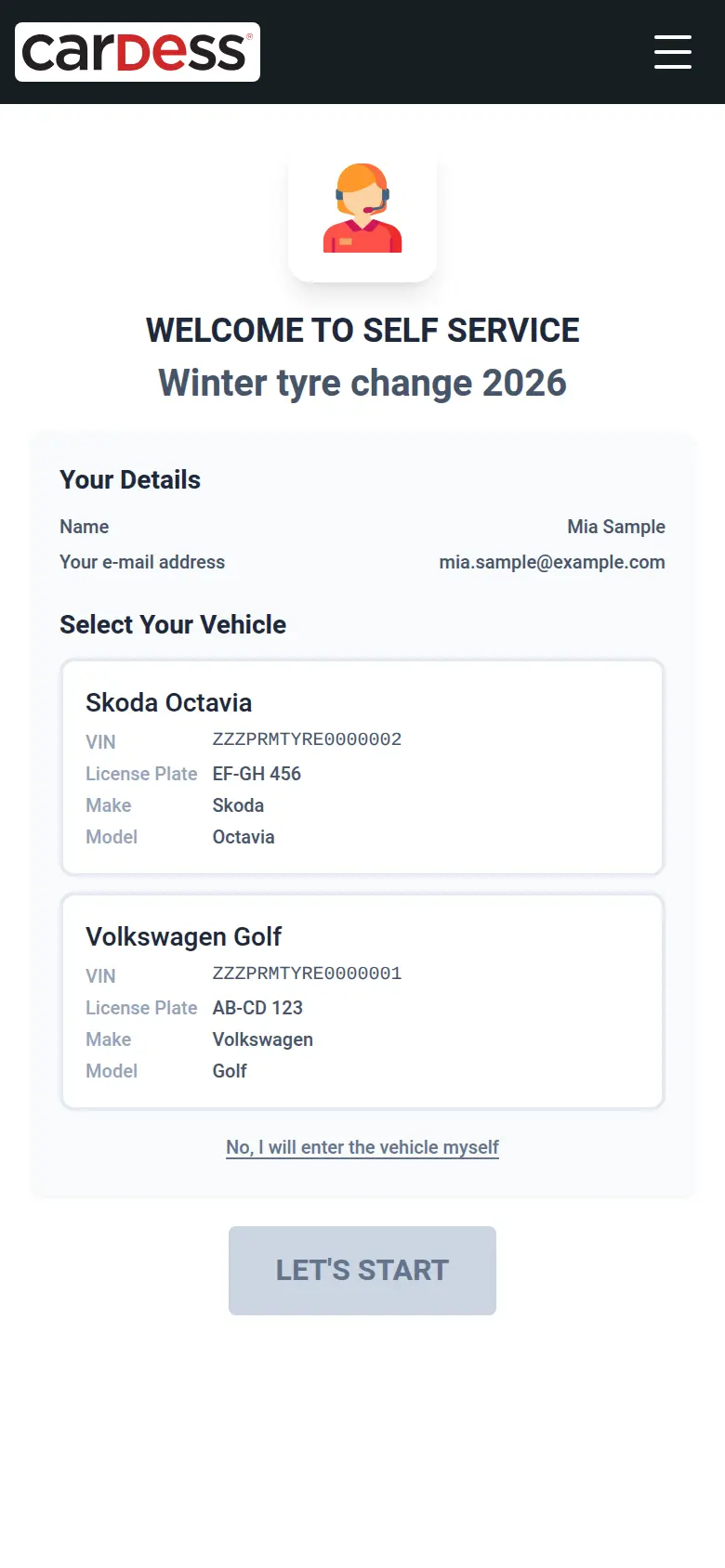
What you get
- Customers book themselves, on any phone, with no account.
- Vehicle and contact details arrive prefilled from your link.
- You set the capacity per day and see every booking.
How it works
Step 1: You mail or text each customer a personal link that already carries their vehicles. The customer opens it, sees their own vehicles and taps the one to book.
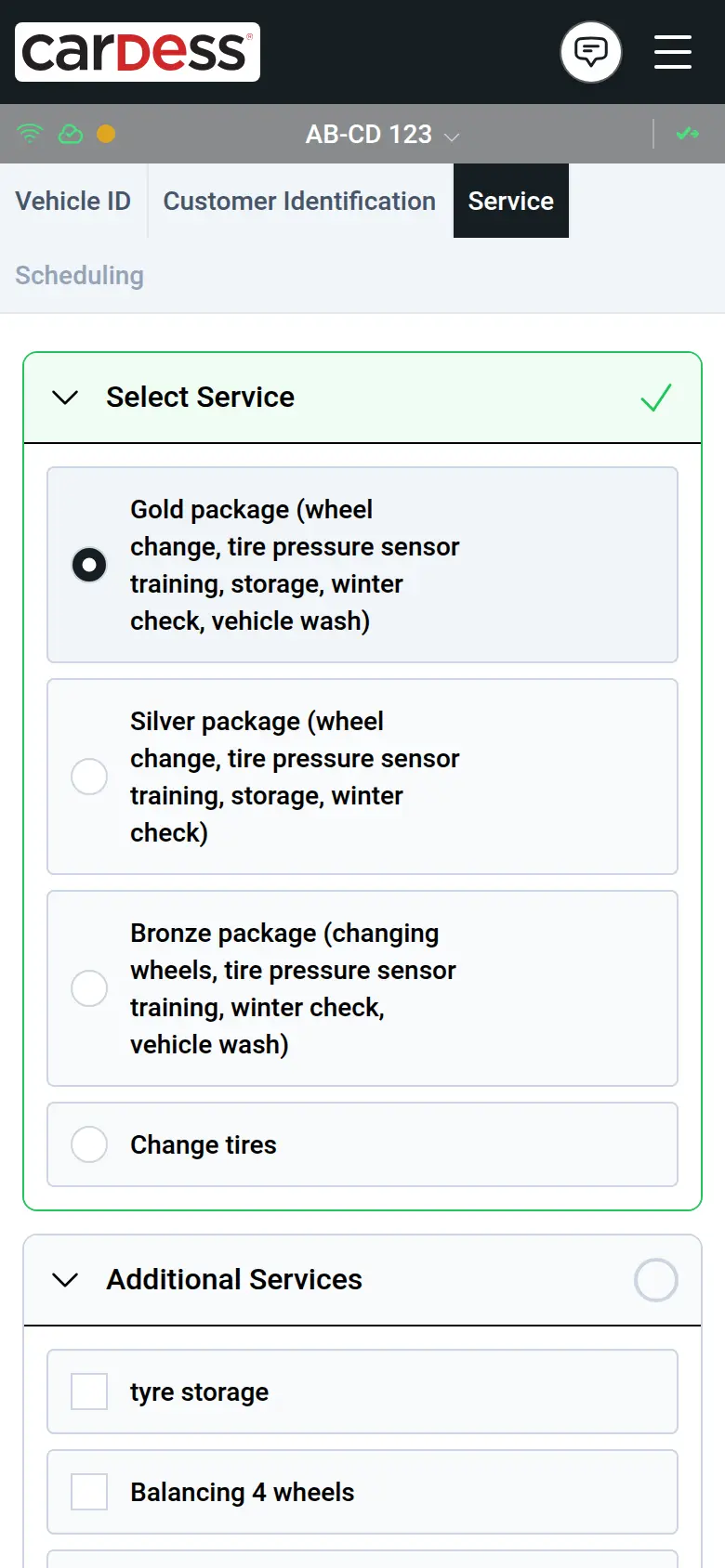
Step 2: They choose the service package.
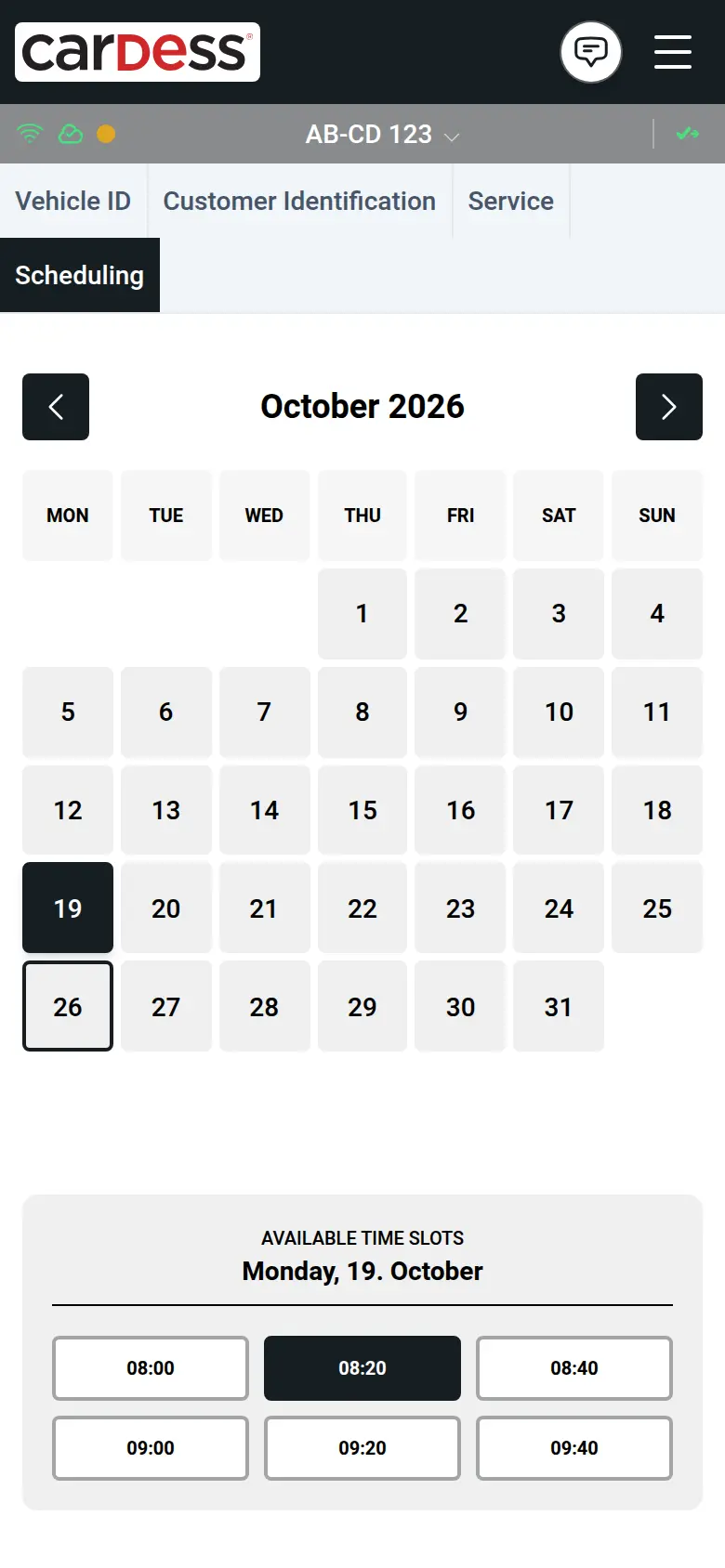
Step 3: They pick a free slot in the calendar.
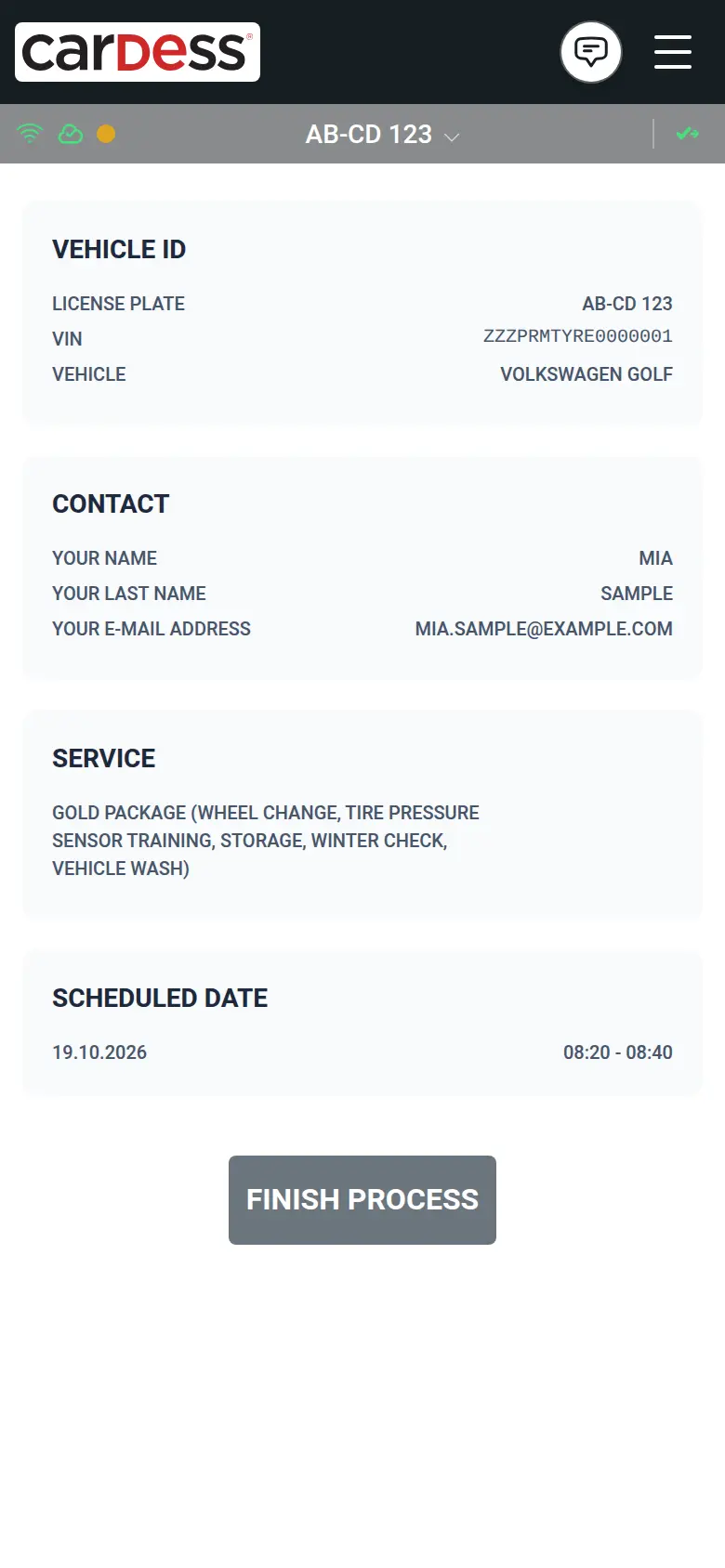
Step 4: They check the summary and confirm.
Step 5: They can change or cancel online until the deadline you set, such as the evening before.
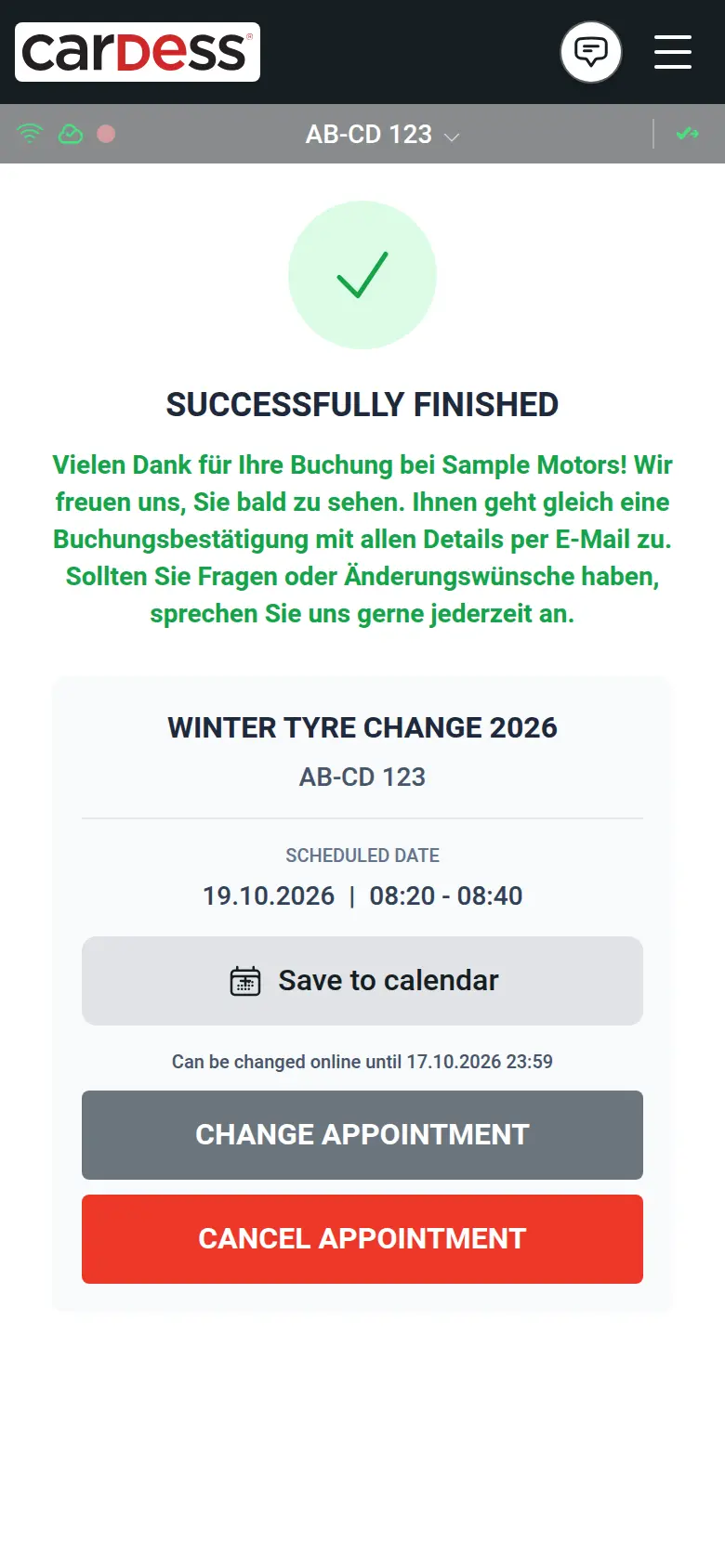
Screens from the M:FLEET app (test data)
What you need
- Your customer list with vehicles and a mail address or mobile number.
- Your capacity per day for the season.
- About an hour to set up the campaign.
New customer? Same booking, no prefilled link
Anyone else gets the same link without the personal part.
New customers type in their plate or VIN, then book the same way.
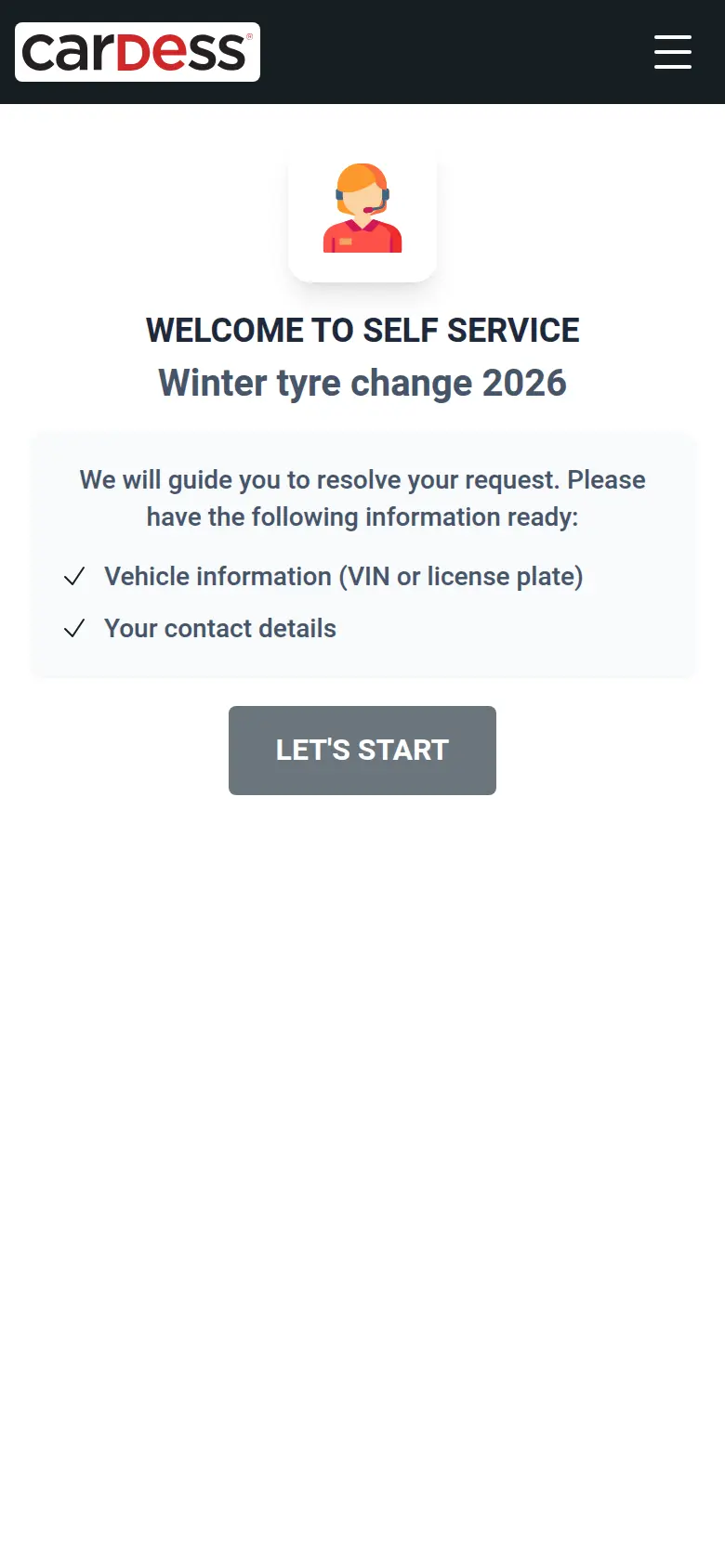
Same link, no customer data 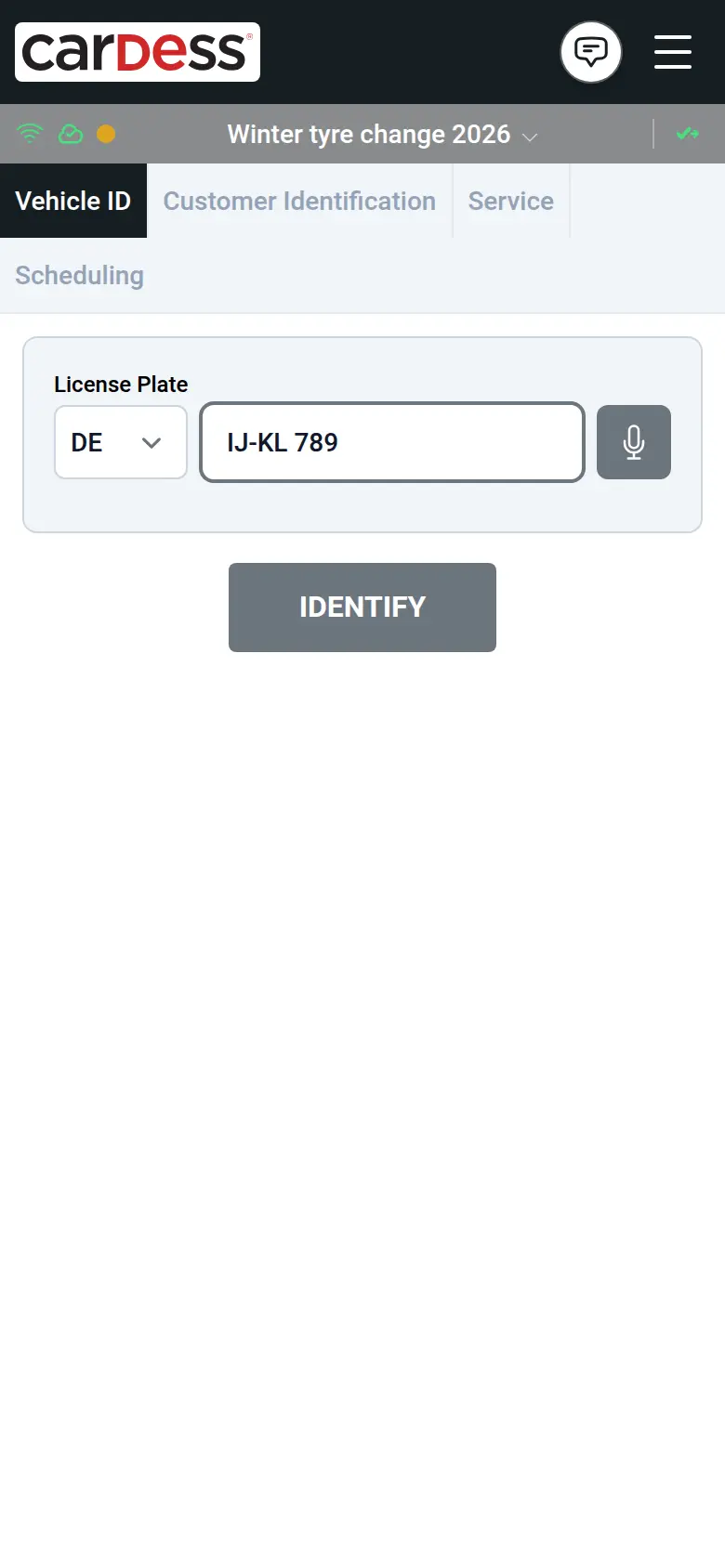
The customer enters the vehicle
Share
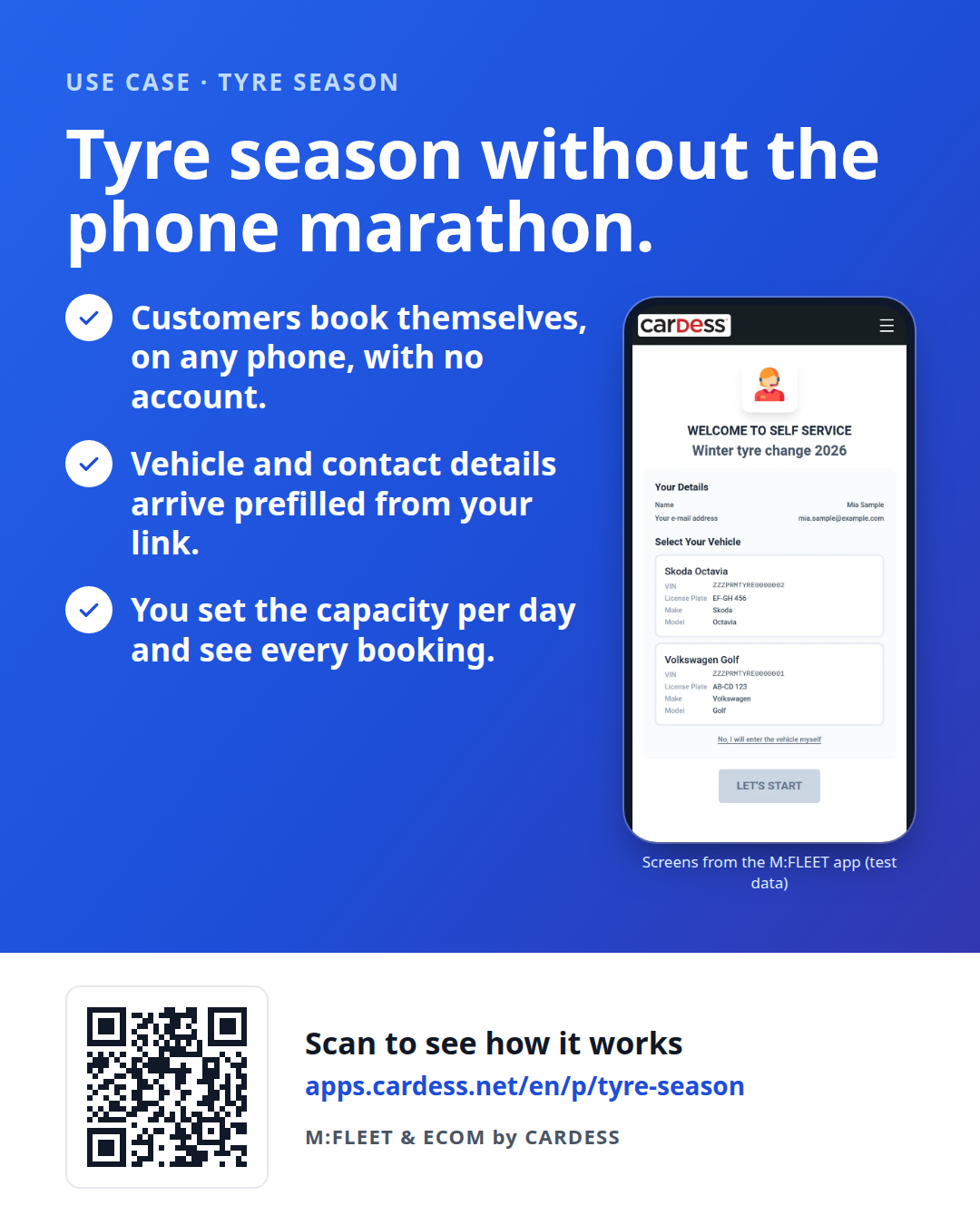
Pass the flyer on to your team or print it for the counter.