
Use case · Vehicle condition
Vehicle condition reports without paper forms.
The inspector creates the case in the app and records photos, readings and damage on the phone. The expert gets the finished case and starts the follow-up.
Talk to us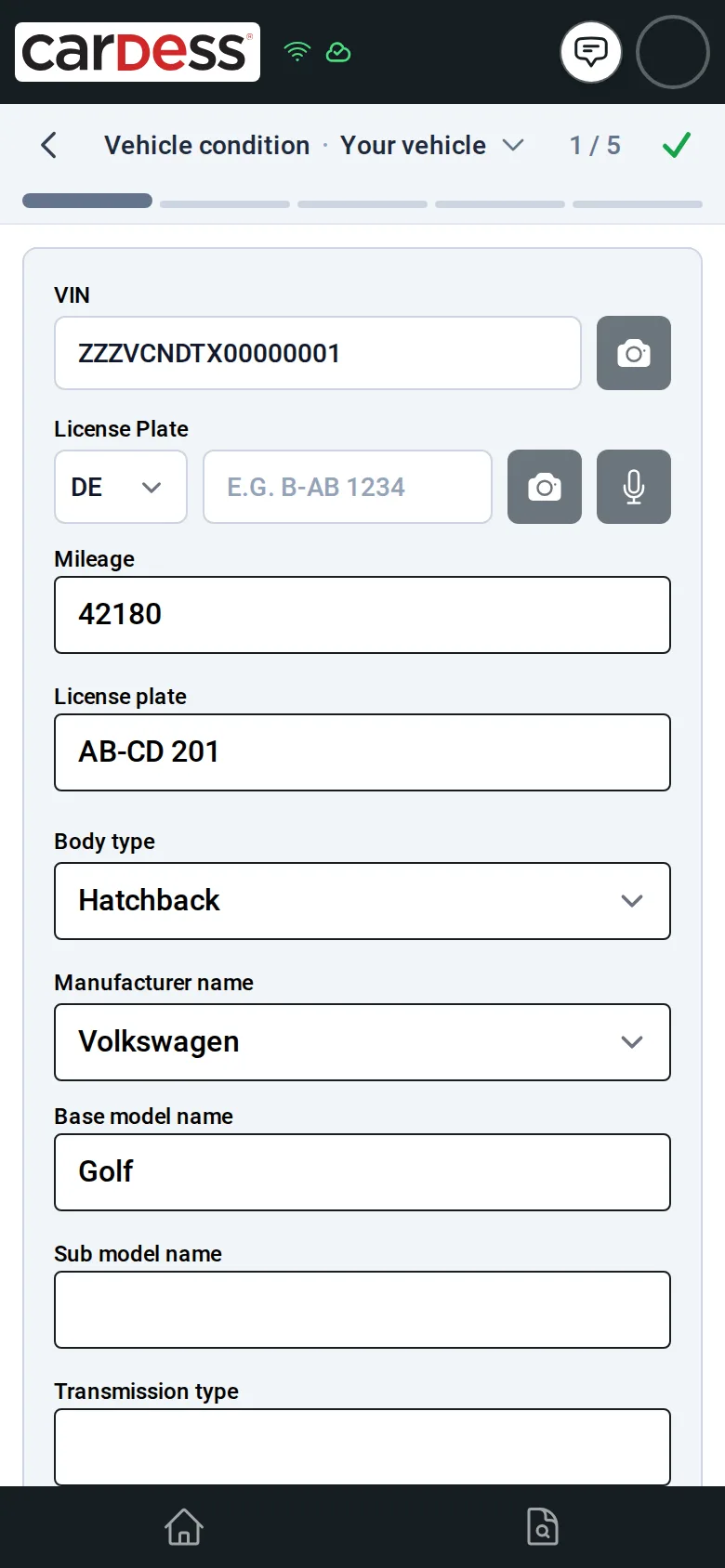
What you get
- One case from the first photo to the finished report, on the inspector’s phone.
- Every step shows what is done, what is partly filled and what is still missing.
- The expert sees all data and photos at once and starts a follow-up case.
How it works
Step 1: The inspector creates a case in the app and enters the VIN or plate. The vehicle’s data is filled in.
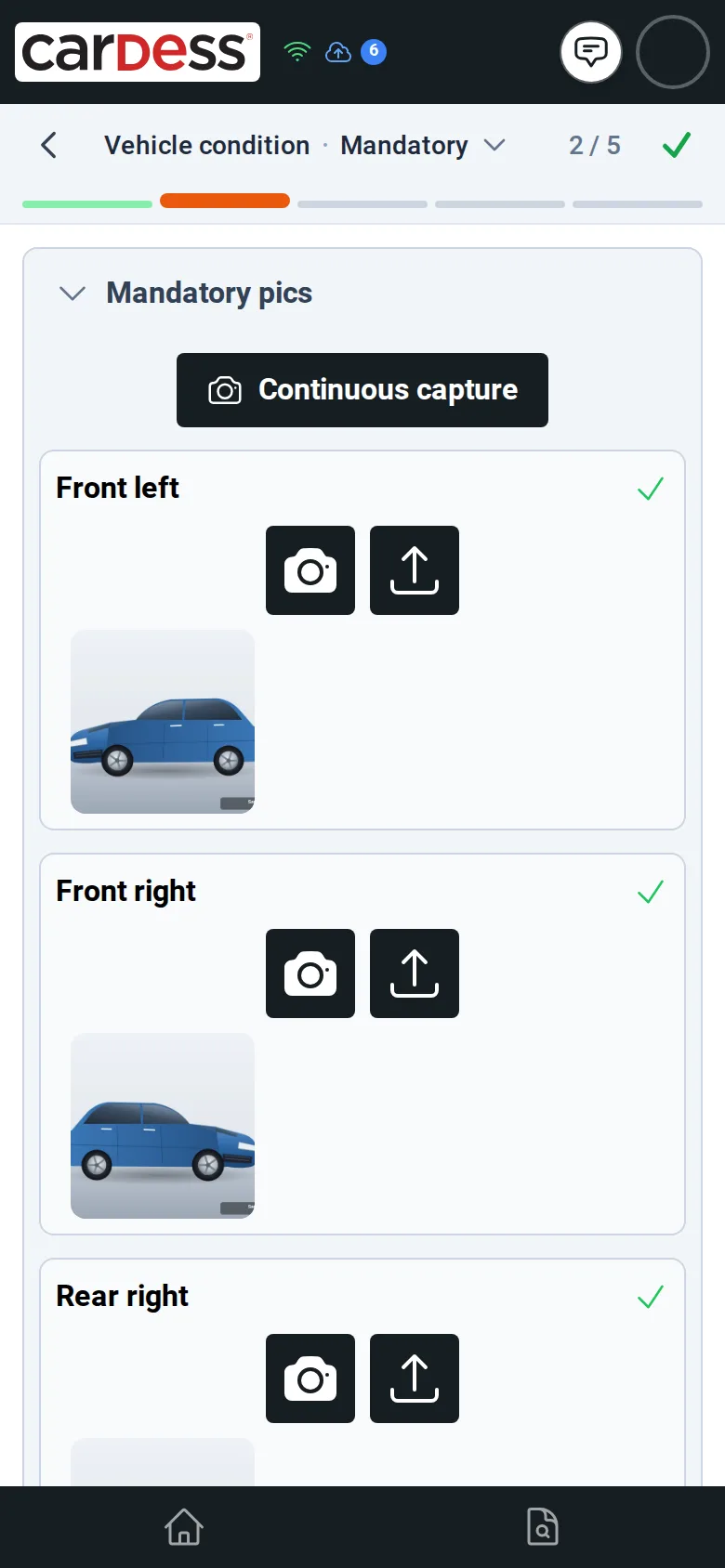
Step 2: Step by step they take the required photos and readings. The dashes at the top show how far they are.
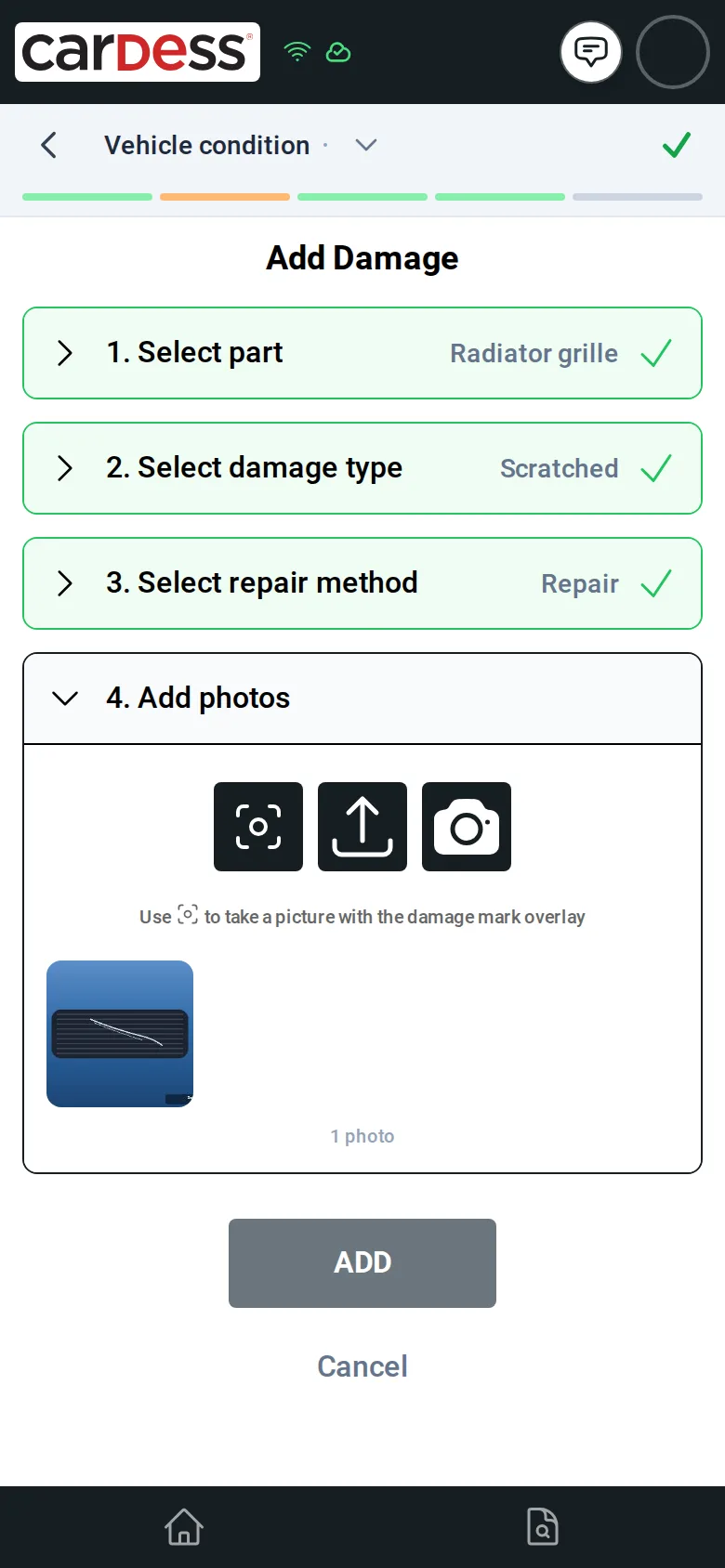
Step 3: They mark damage on the vehicle picture, choose the type and add a photo.
Step 4: When the inspector finishes, the expert opens the case with all data and photos and starts the follow-up.
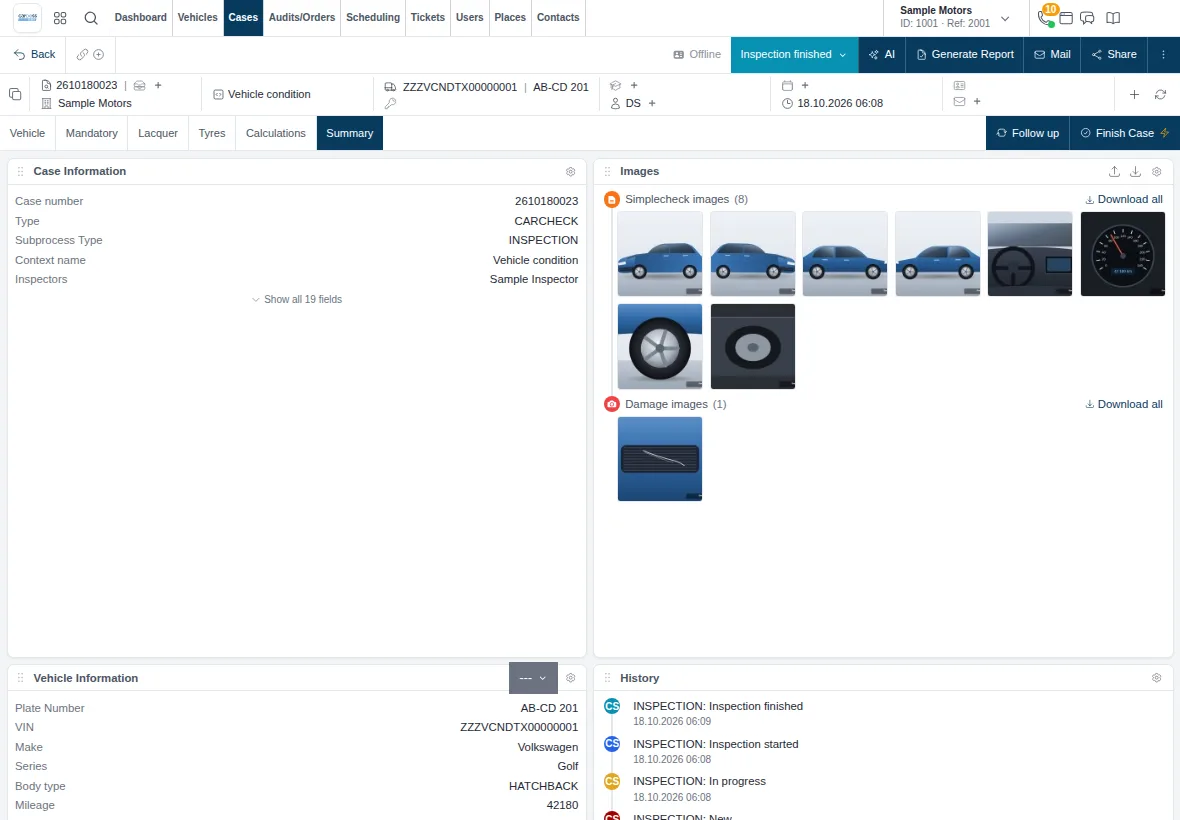
Screens from the M:FLEET app (test data)
What you need
- The vehicle processes you want to offer.
- A smartphone for each inspector.
- A sign-in for each inspector and expert.
A ready-made process, report included
We set up the process with you; inspectors just sign in.
When they finish, the app offers the report.
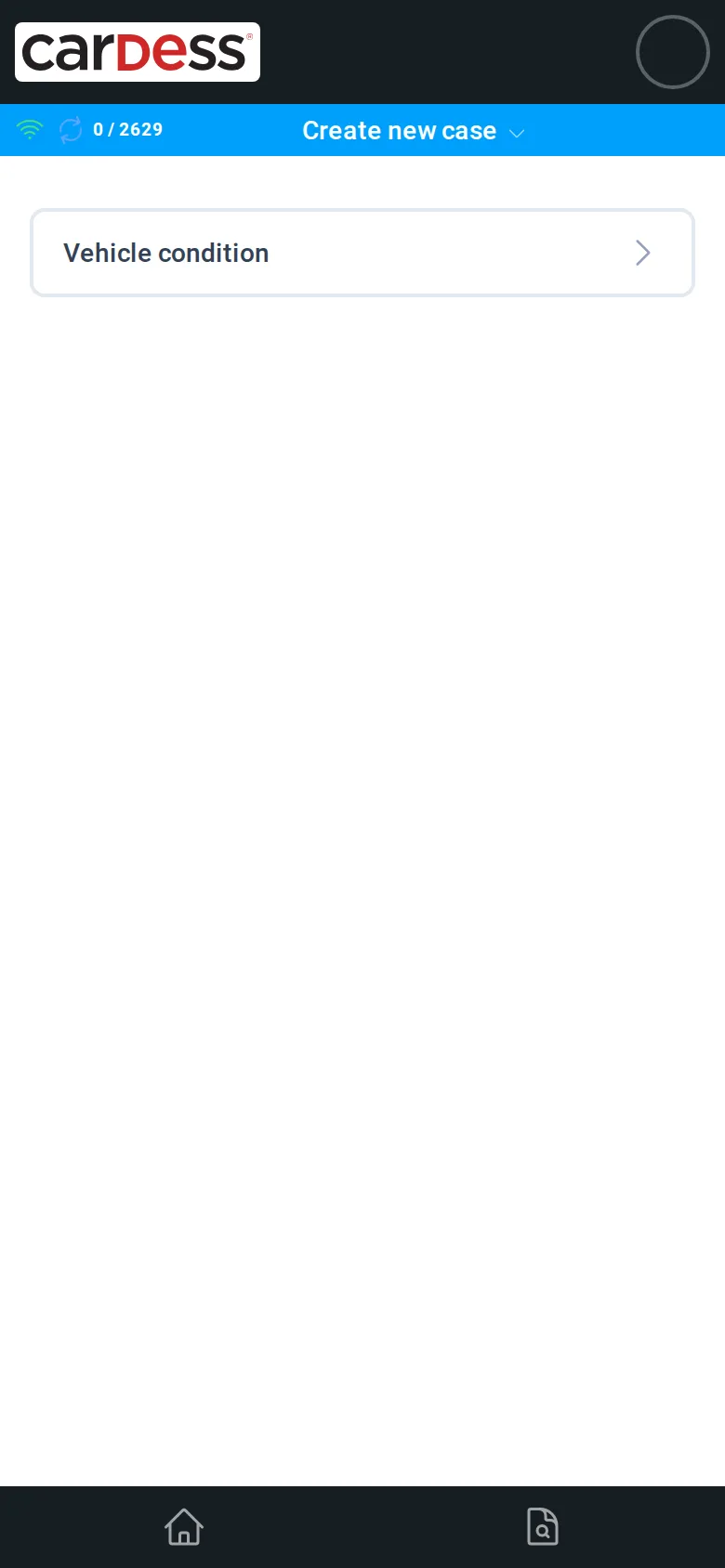
Inspectors create the case in the app 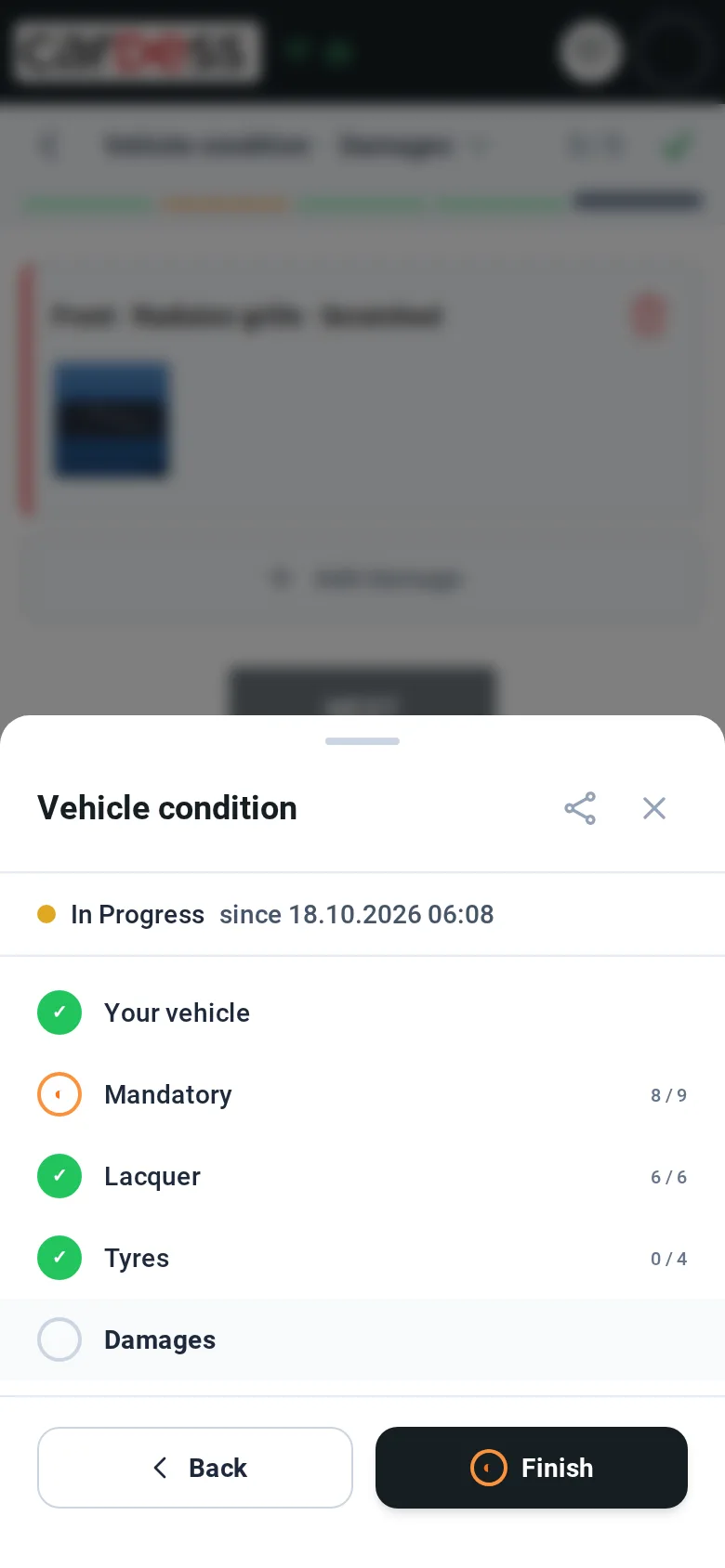
The step list shows what is done
Share
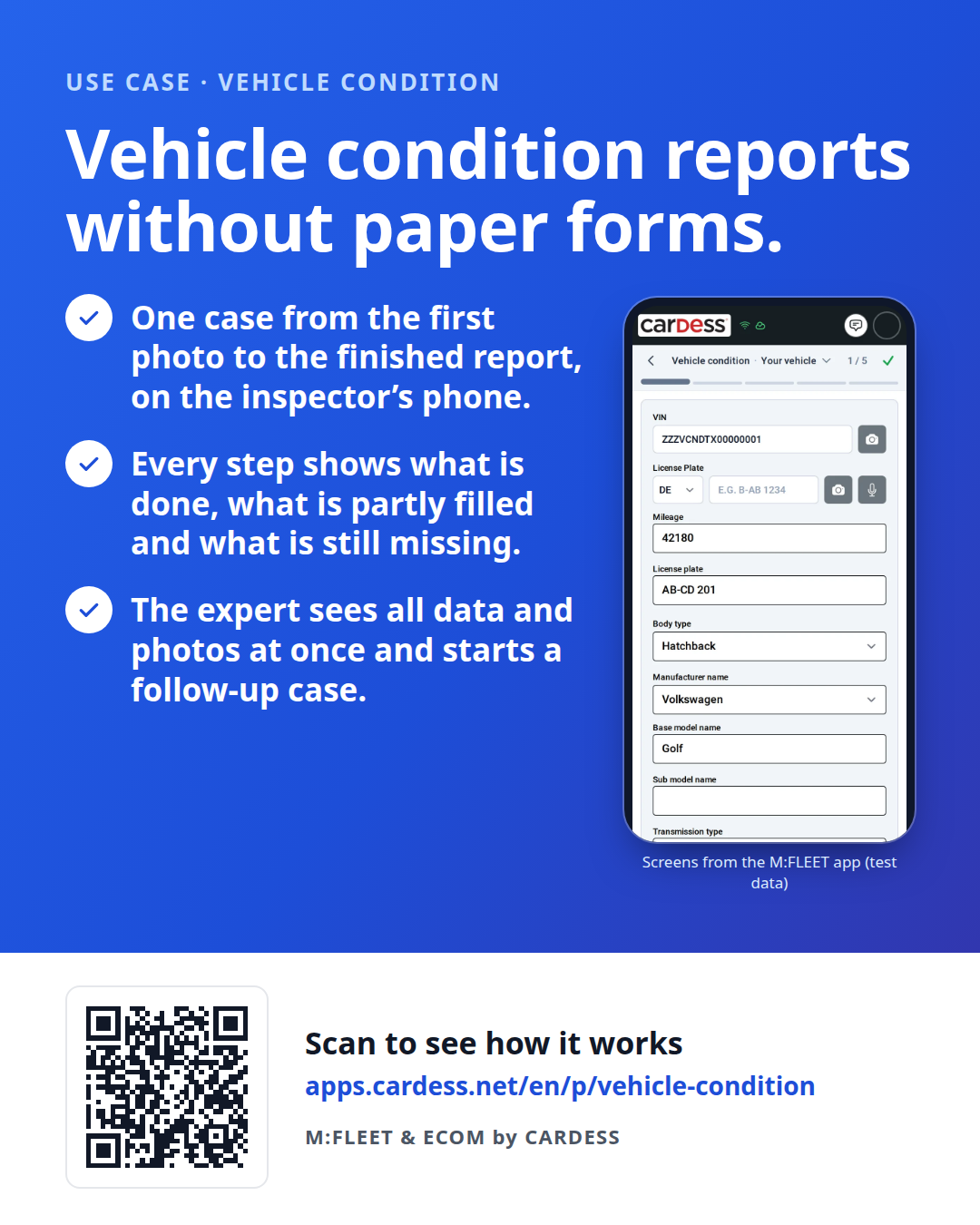
Pass the flyer on to your team or print it for the counter.