Use case · Site audit

Site audits on the phone instead of paper forms.

An auditor walks the branch from the car park to the desk and rates what a customer sees: a score per area, a photo and a note per deficiency, then overall score, decision and signature.

Talk to us
What you get

  • One checklist per country, one audit per branch, one tab per area.
  • Checks are In order, Slight or Severe; deficiencies need a photo and a note.
  • A 1 to 5 score per area, an overall score and a decision.

How it works

  1. Step 1: A short guidance on how to rate opens the audit, then the basics: site, reason, auditor and branch lead.
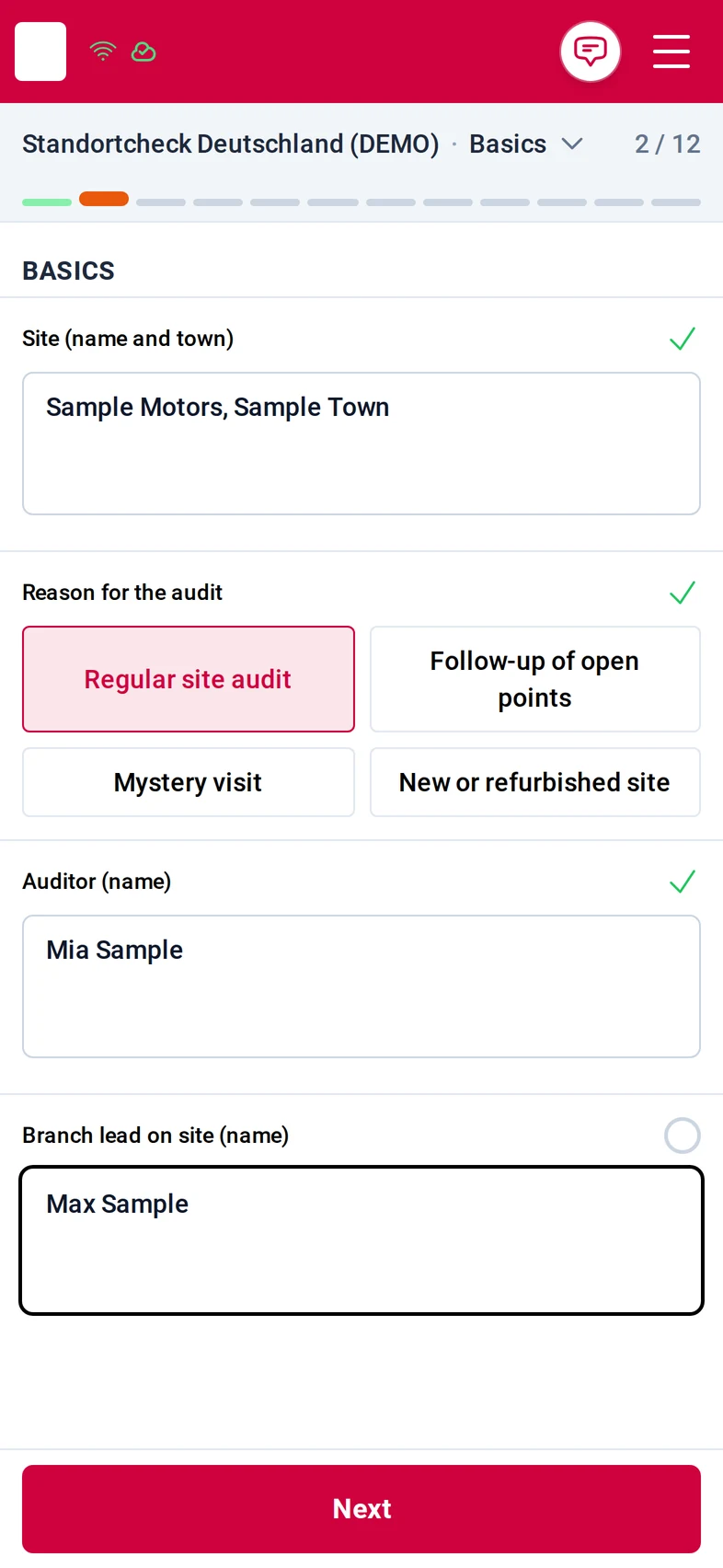
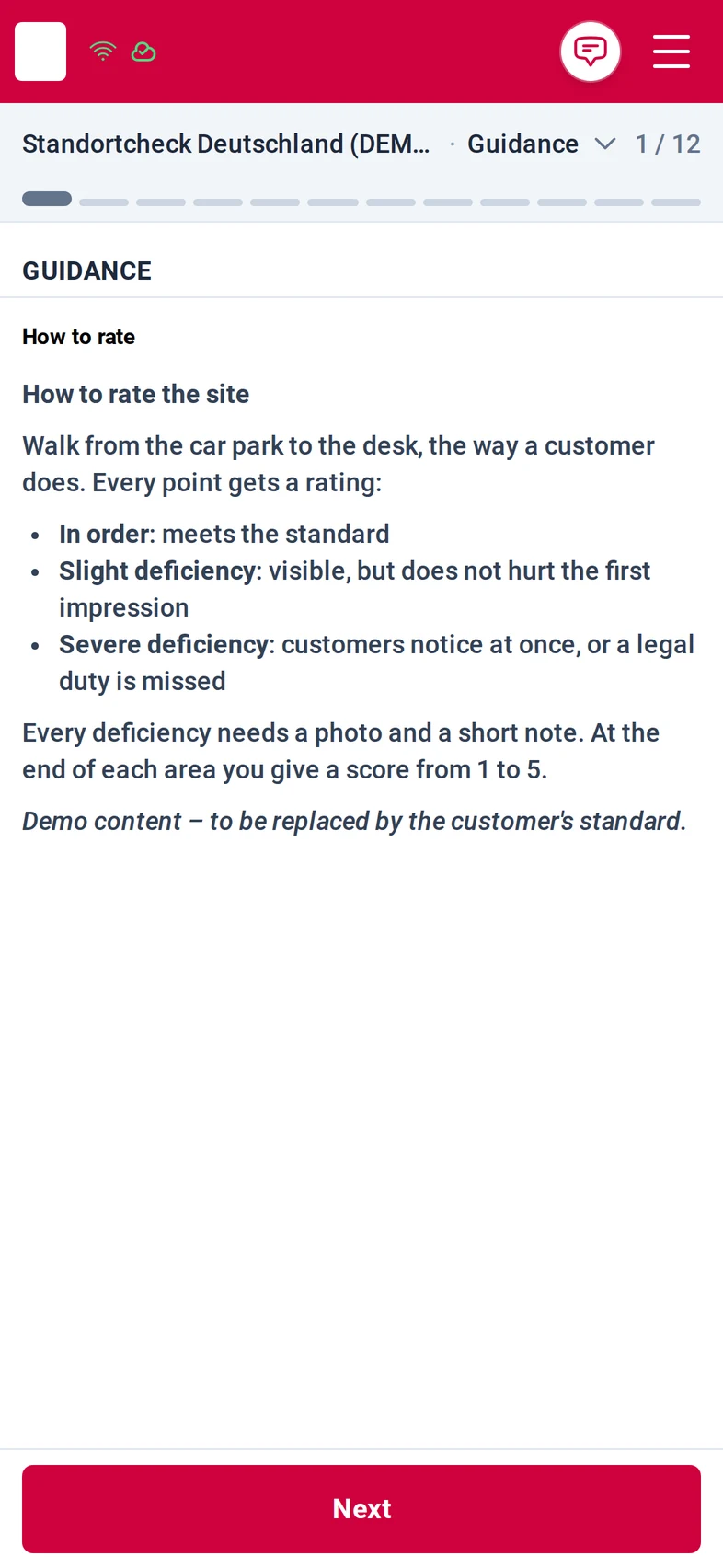
    Step Guidance, 1 of 12: 'How to rate the site' explains the three ratings In order, Slight deficiency and Severe deficiency, that every deficiency needs a photo and a note, and the score from 1 to 5 per areaStep Basics, 2 of 12: the site Sample Motors, the reason Regular site audit chosen from four options, the auditor Mia Sample and the branch lead
  2. Step 2: Area by area, the auditor rates each check and photographs anything not in order with the in-app camera.
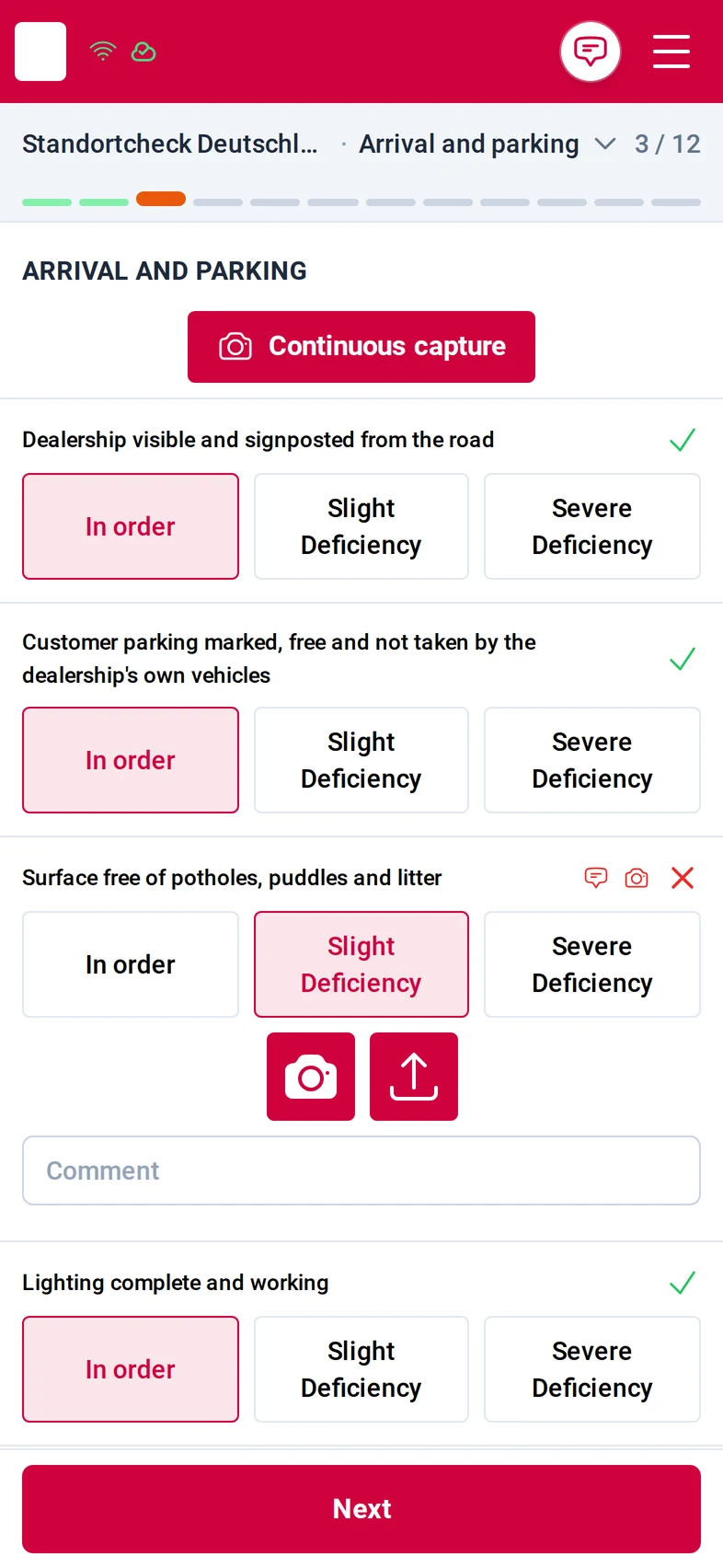
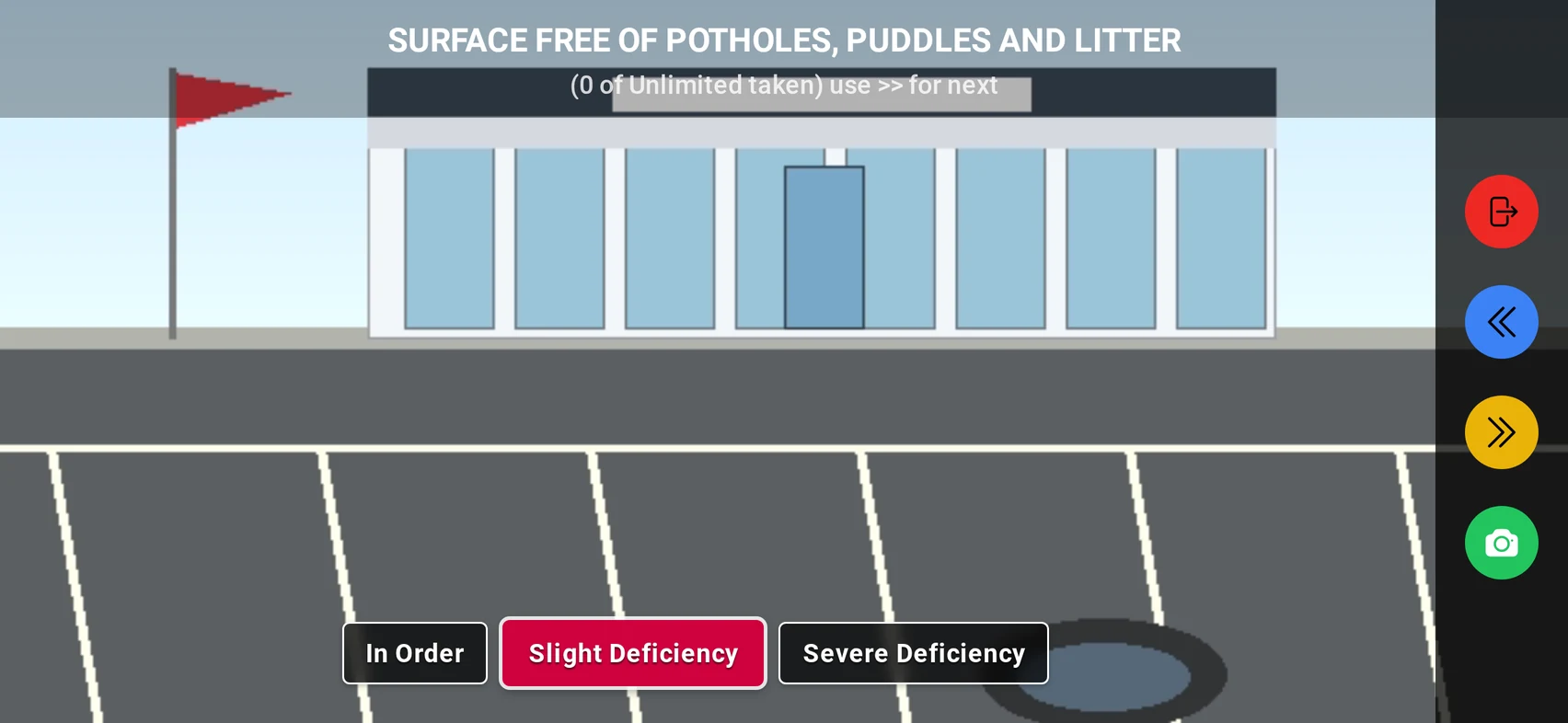
    Step Arrival and parking, 3 of 12: five checks with the buttons In order, Slight deficiency and Severe deficiency; two are in order, the surface check is a slight deficiency and shows the camera and upload buttonsThe in-app camera in landscape on the check 'Surface free of potholes, puddles and litter': a dealership forecourt in the live preview, the three rating buttons below and the shutter on the right
  3. Step 3: Photo and note sit under the check; the area ends with its 1 to 5 score.
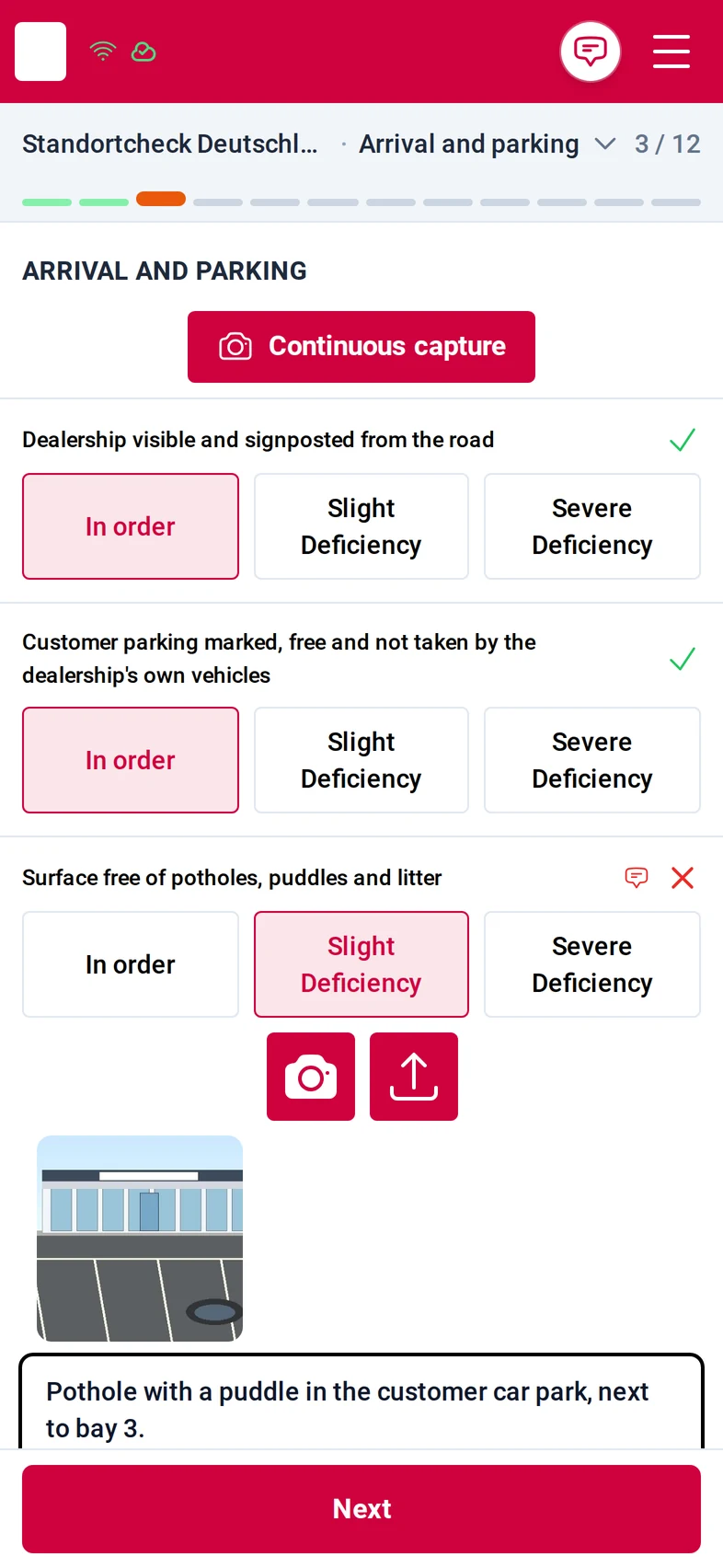
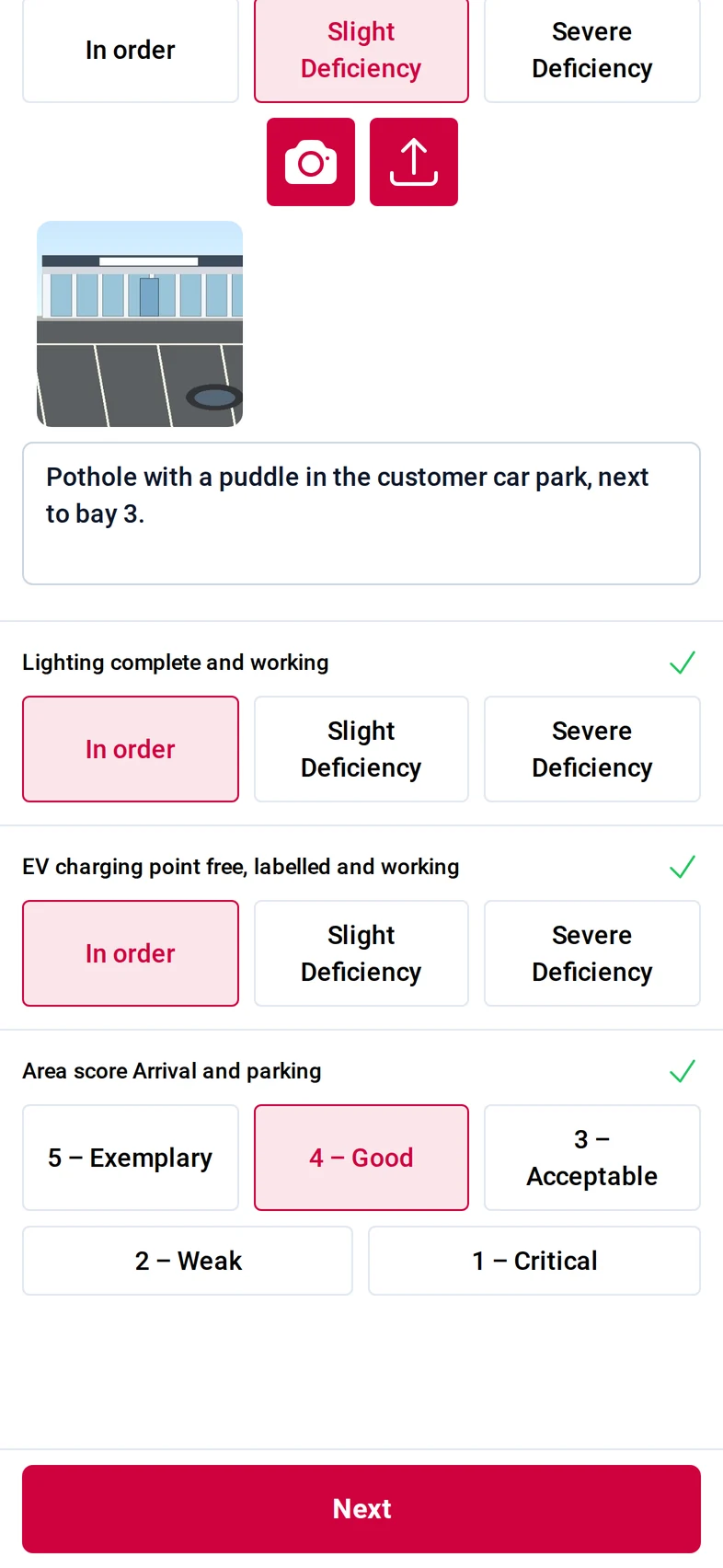
    The surface check rated Slight deficiency with the forecourt photo and the note 'Pothole with a puddle in the customer car park, next to bay 3'The end of the area Arrival and parking: the remaining checks in order and the area score with the buttons 5 Exemplary to 1 Critical, 4 Good chosen
  4. Step 4: The result: overall score, decision and the three most important open points.
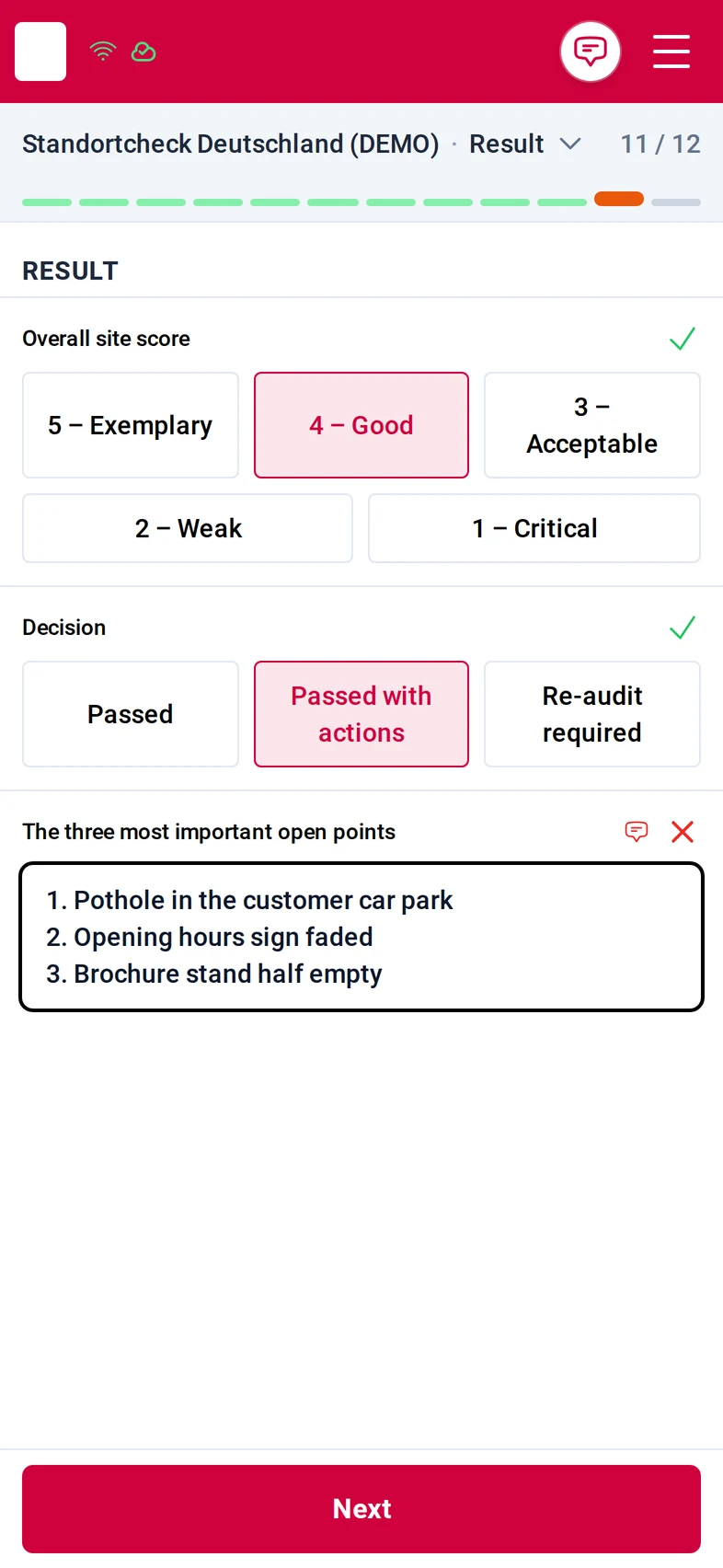
    Step Result, 11 of 12: the overall site score 4 Good, the decision Passed with actions, and the three most important open points typed as a list
  5. Step 5: The auditor signs, the branch lead can countersign, and the audit is finished.
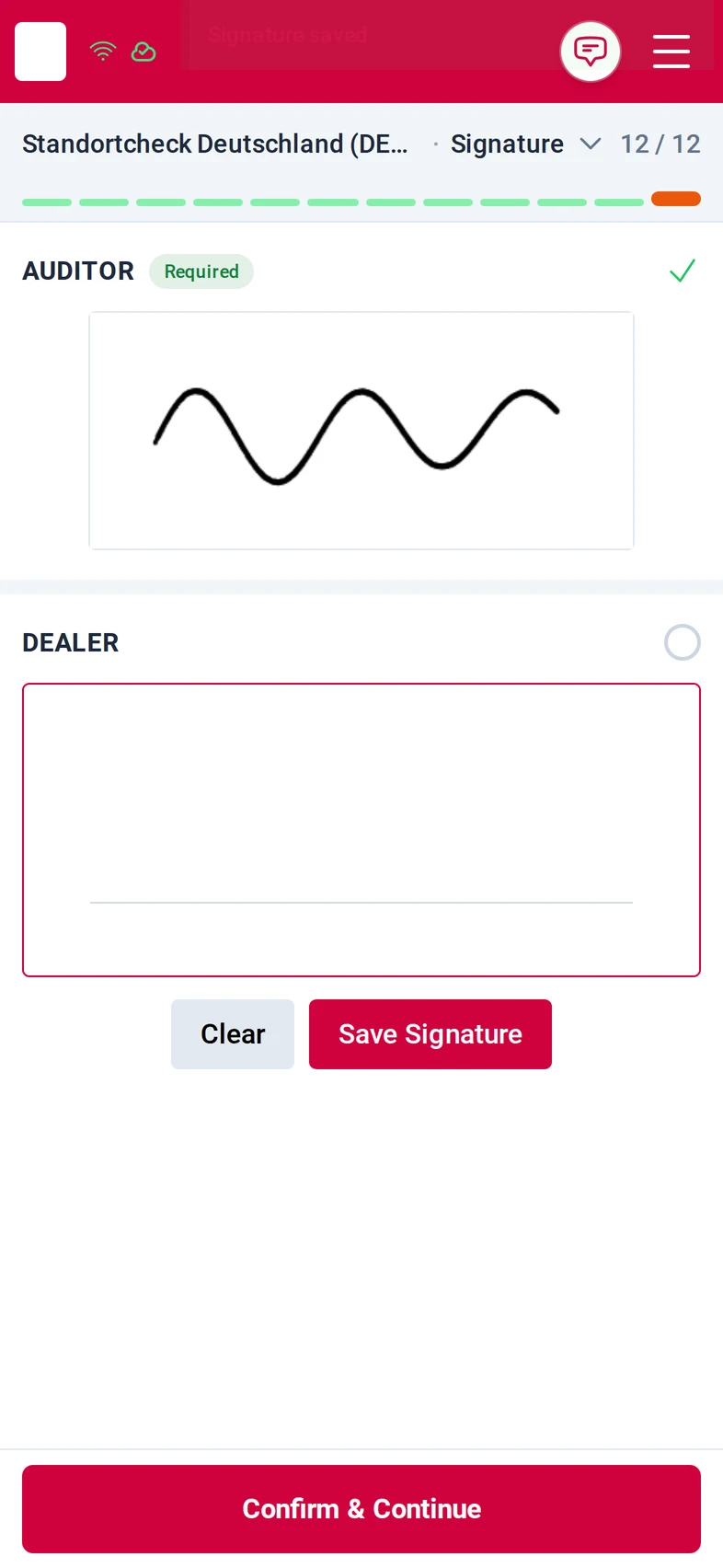
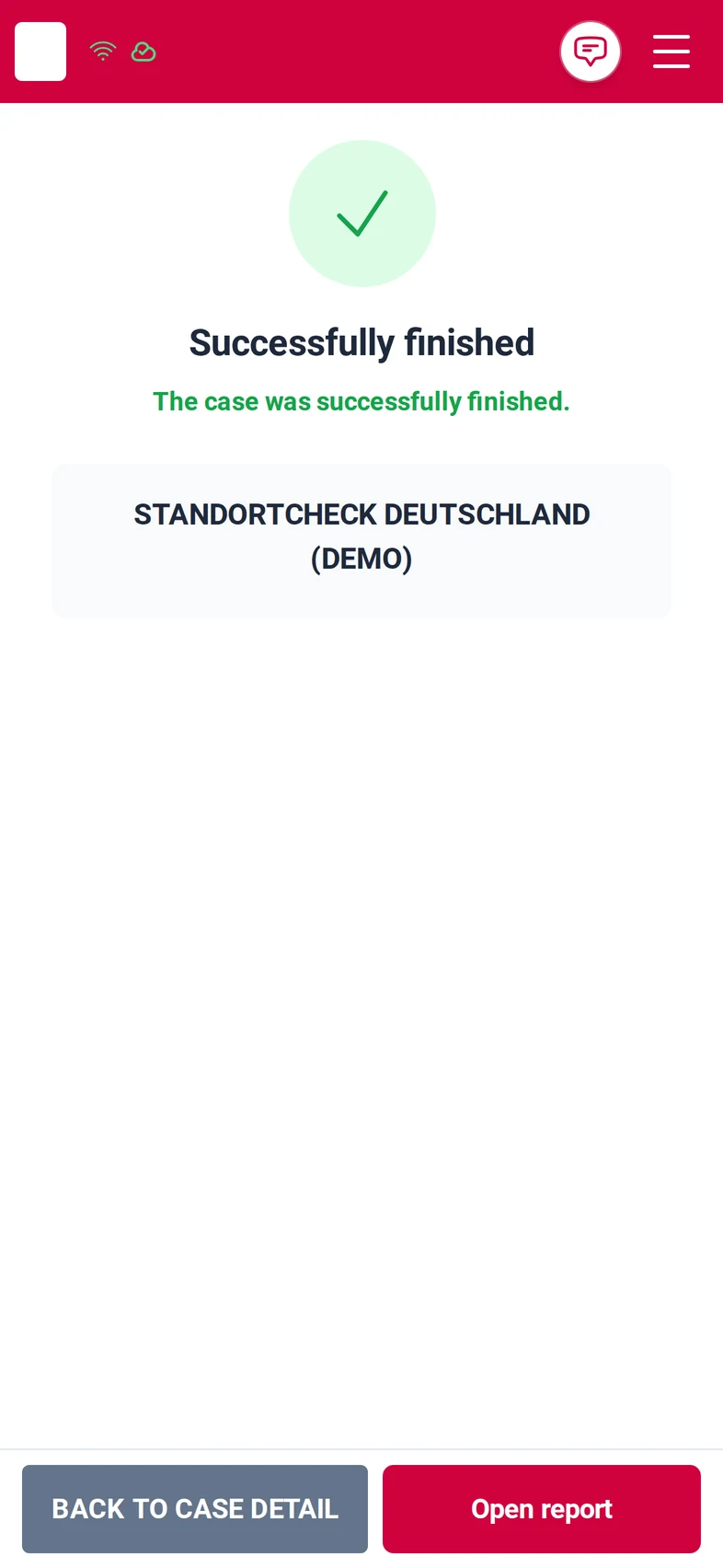
    Step Signature, 12 of 12: the auditor's signature drawn and saved in the required Auditor field, an empty optional second signature field below, and the Confirm & Continue buttonThe finished audit: a green tick, 'Successfully finished', the context name and the buttons Back to case detail and Open report

Screens from the M:FLEET app (test data)

What you need

  • Your audit standard, areas and checks; we set them up with you.
  • A smartphone per auditor; public link or sign-in.
  • Fleet Expert in the office to read the finished audits.

Share
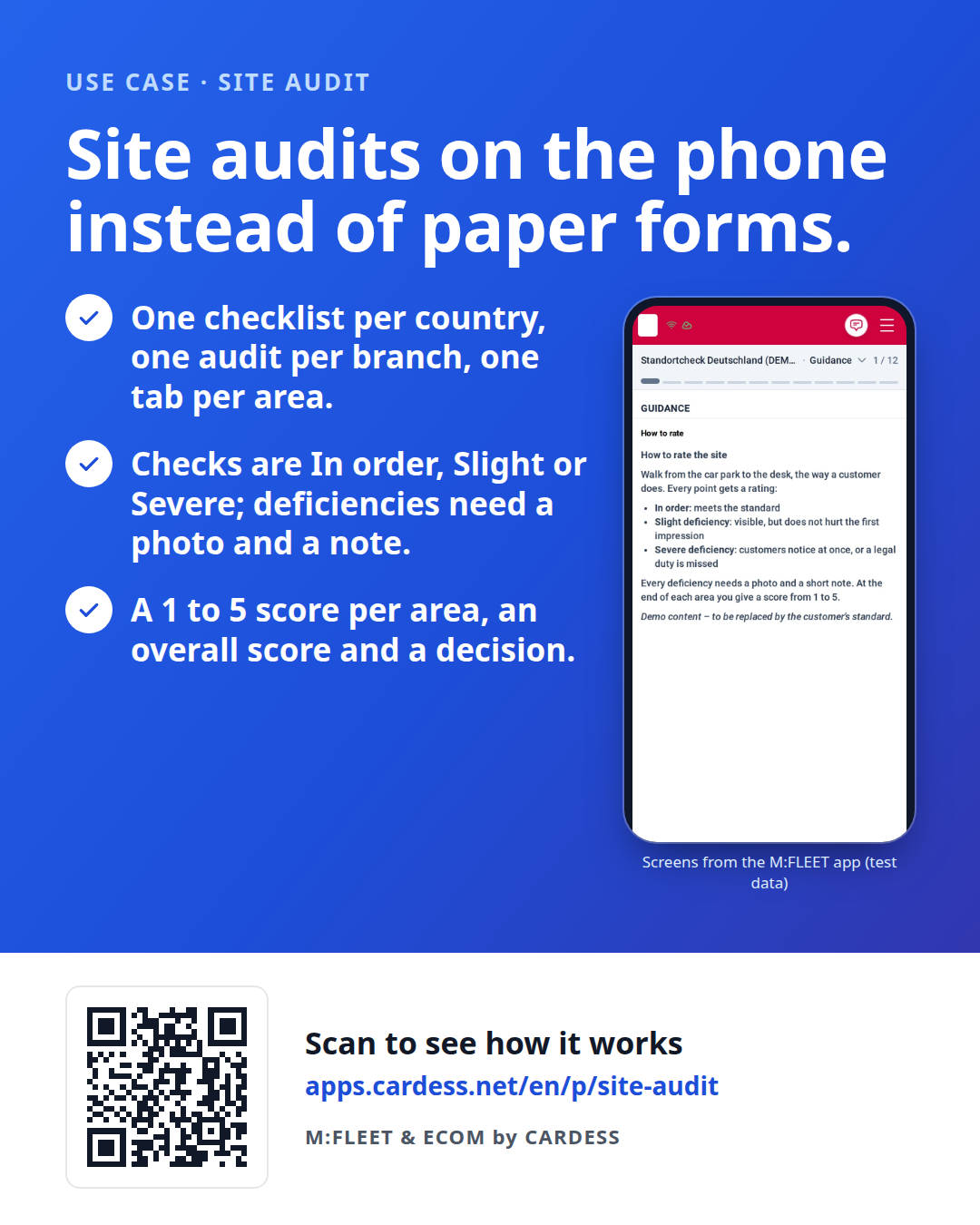
Site audit flyer with three benefits, the real guidance step of the app, and a QR code

Pass the flyer on to your team or print it for the counter.

Try it yourself

QR code that opens the Site audit demo on your phone

Walk the demo audit on your own phone, with sample data only.

Open the demo