
Use case · Image collector
Vehicle photos, collected without a full inspection.
Open the case on a phone, take the photos with the live camera and finish. Every picture lands on one case, ready for the office.
Talk to us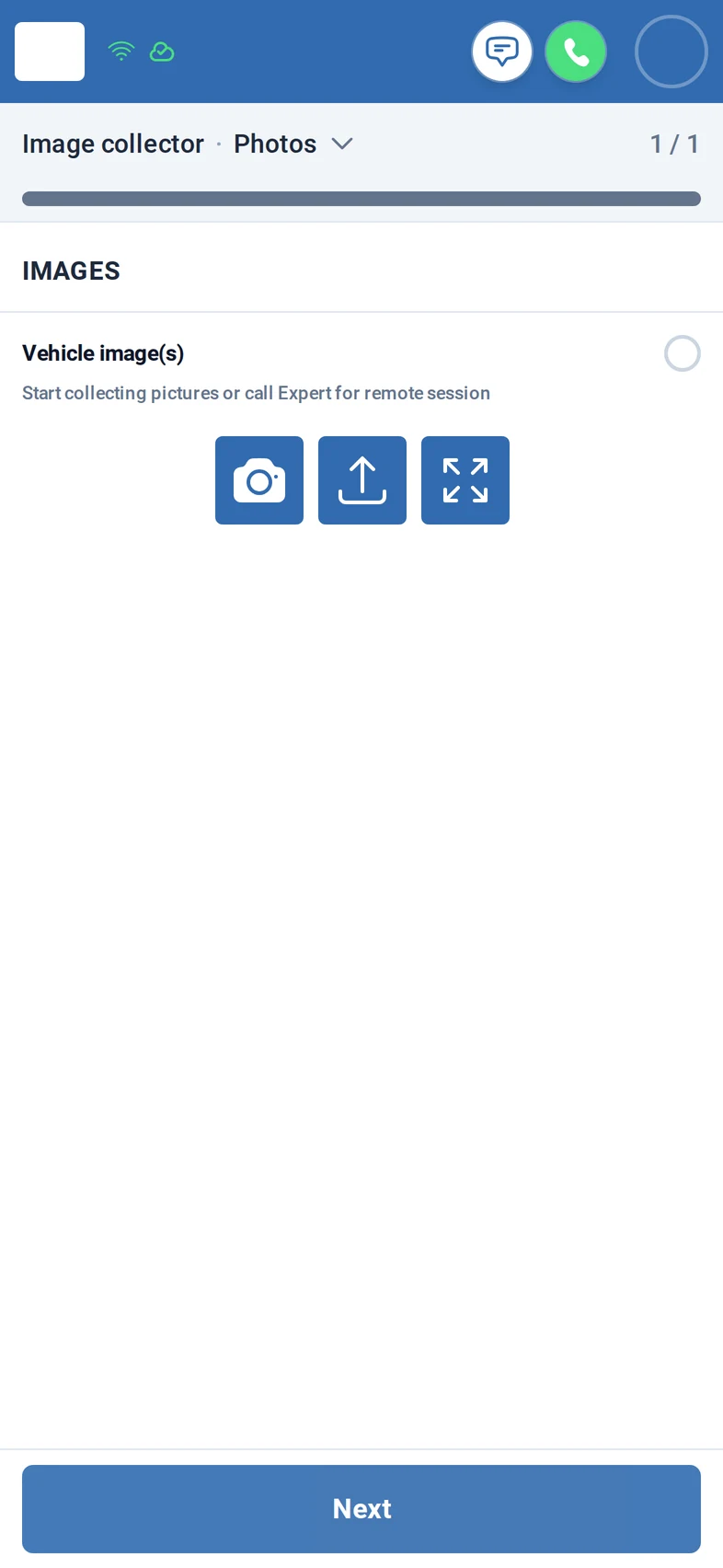
What you get
- Two steps: take the photos, then finish. No forms in between.
- Live camera in landscape, or upload photos you already have.
- Photos stay on the case and can be deleted until it is finished.
How it works
Step 1: The driver or colleague opens the case on the phone. It asks for the vehicle images and nothing else.
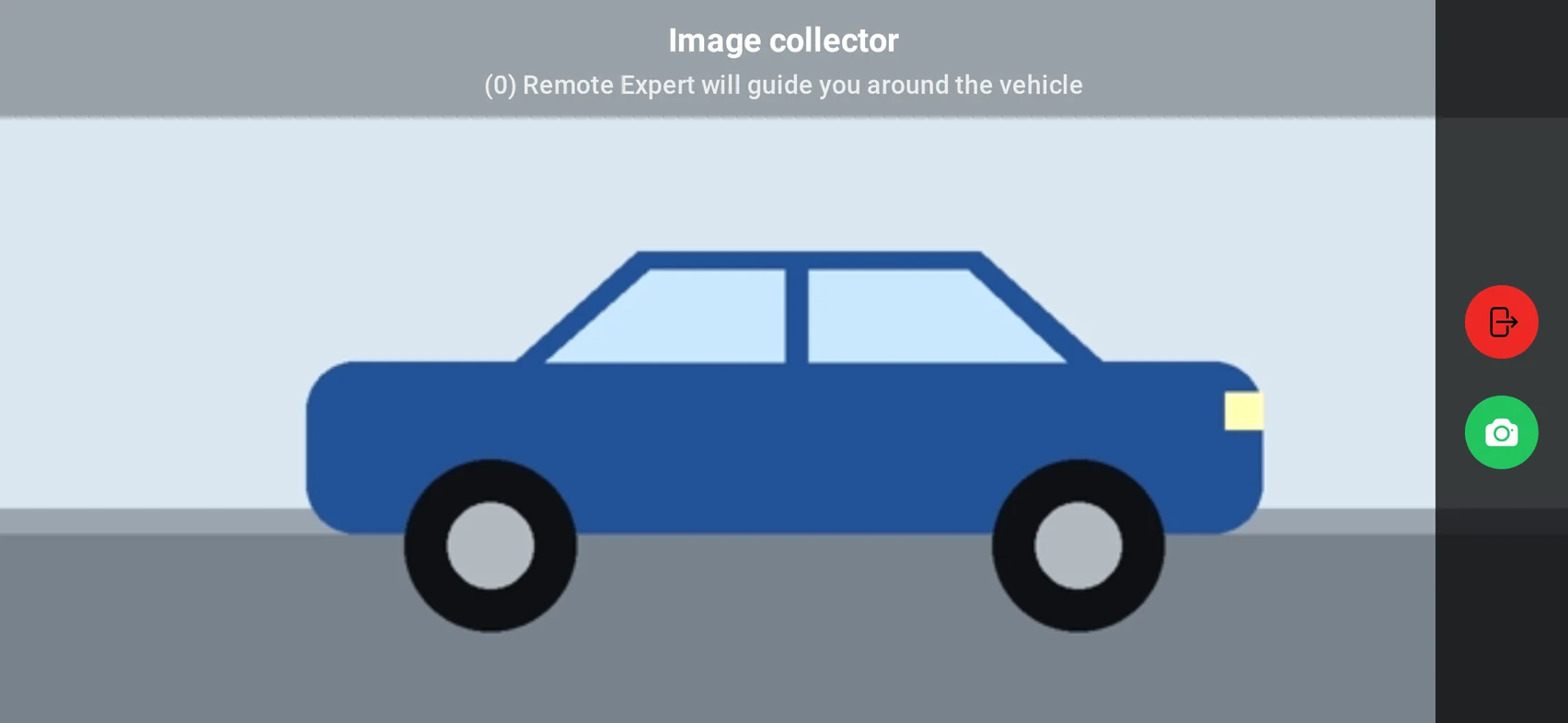
Step 2: They turn the phone and take the photos with the live camera.
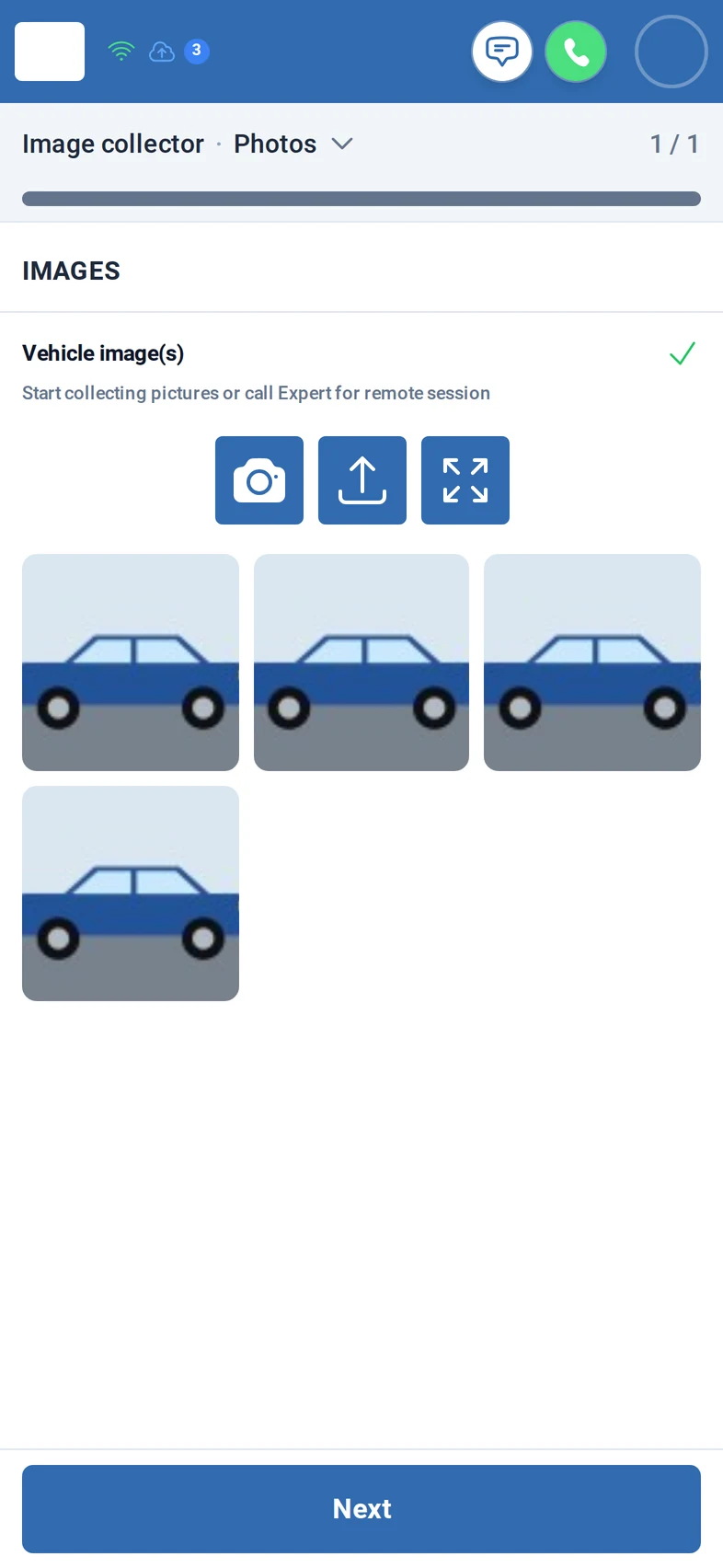
Step 3: Back in portrait, the photos are on the case. Photos already on the phone can be uploaded as well.
Step 4: The summary shows how many photos were collected. One tap finishes the case.
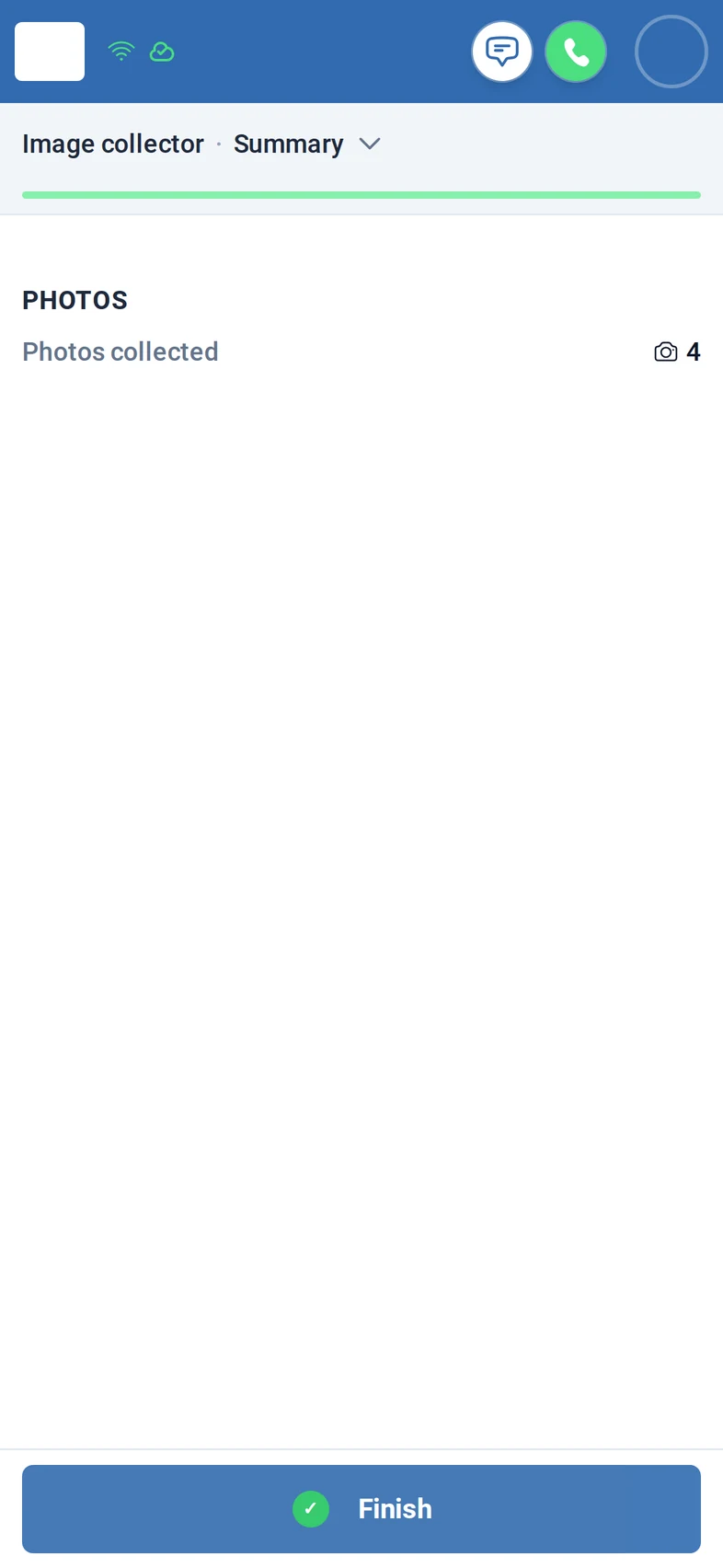
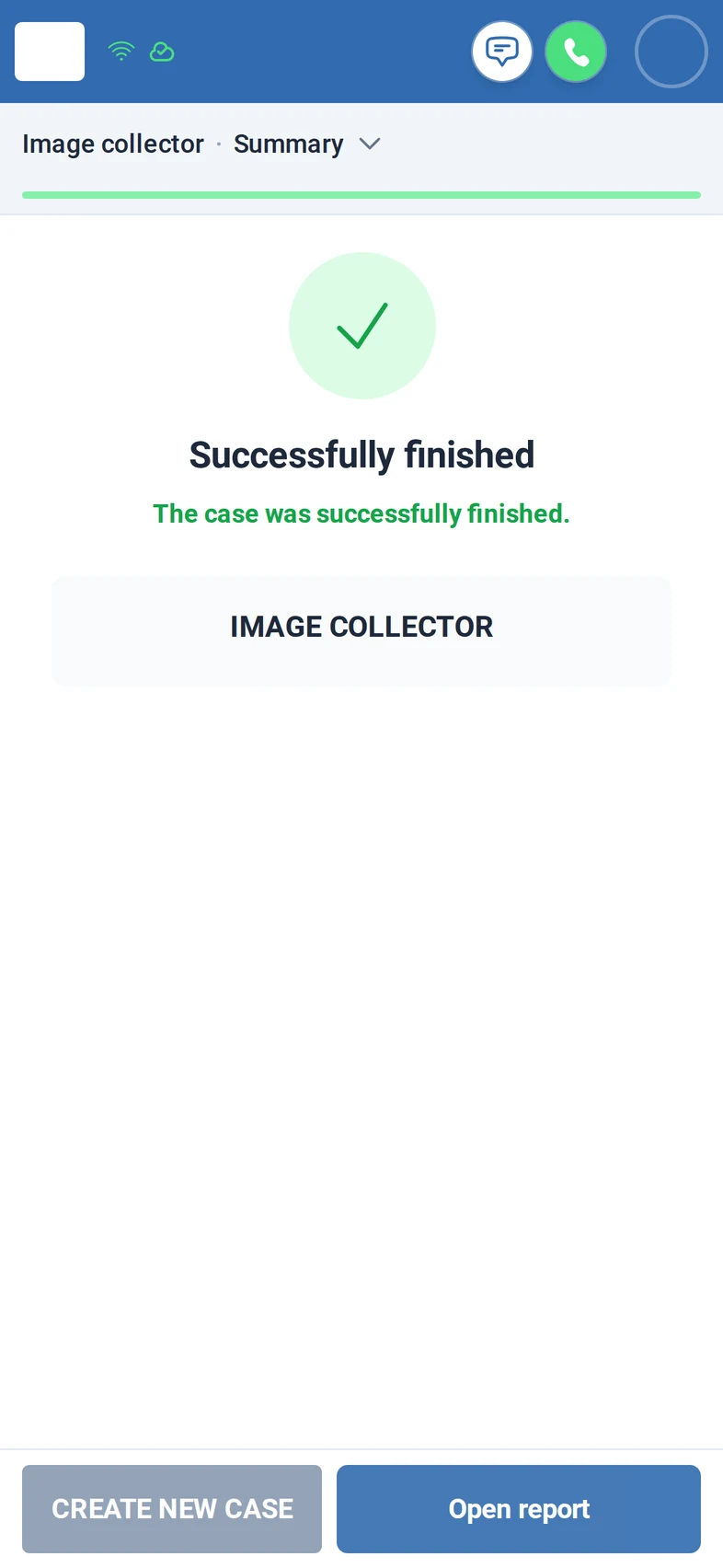
Screens from the M:FLEET app (test data)
What you need
- A phone with a browser and sign-in per person; Fleet Expert for the office.
- We set up the case for you: how many pictures and which ones.
- A photo report or a link for others to open: on request.
Share
Pass the flyer on to your team or print it for the counter.