
Use case · Annual driver safety instruction (UVV)
Annual driver safety instruction (UVV), documented on the phone.
Drivers read your instruction in the app, confirm it, answer the control questions and sign. Each finished case is a driver instruction record with answers, signature and dates.
Talk to us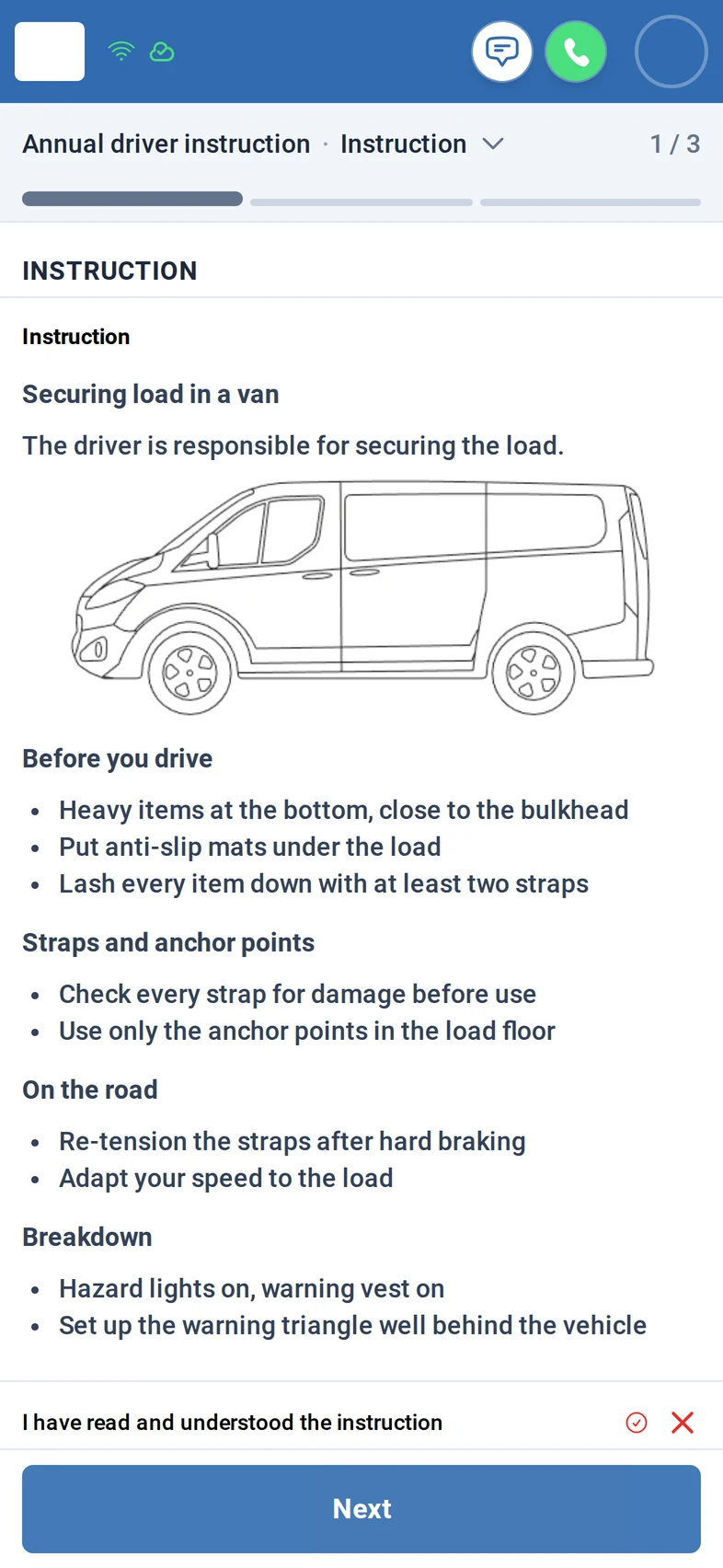
What you get
- Your content: text with pictures and your own control questions.
- No finishing without every required answer and the signature.
- One record per driver: answers, signature, dated status history.
How it works
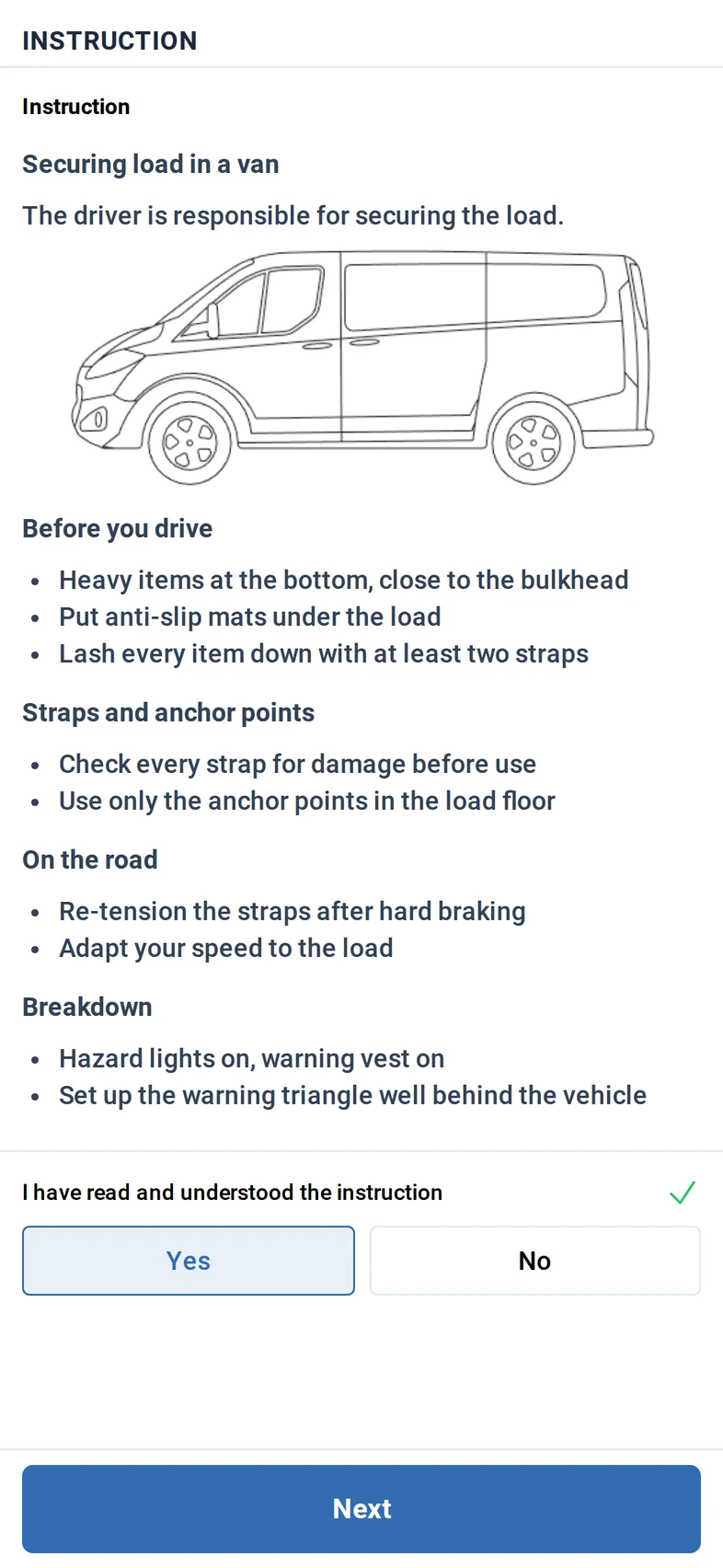
Step 1: The driver opens the instruction in the app, reads text and picture, then confirms having read and understood it.
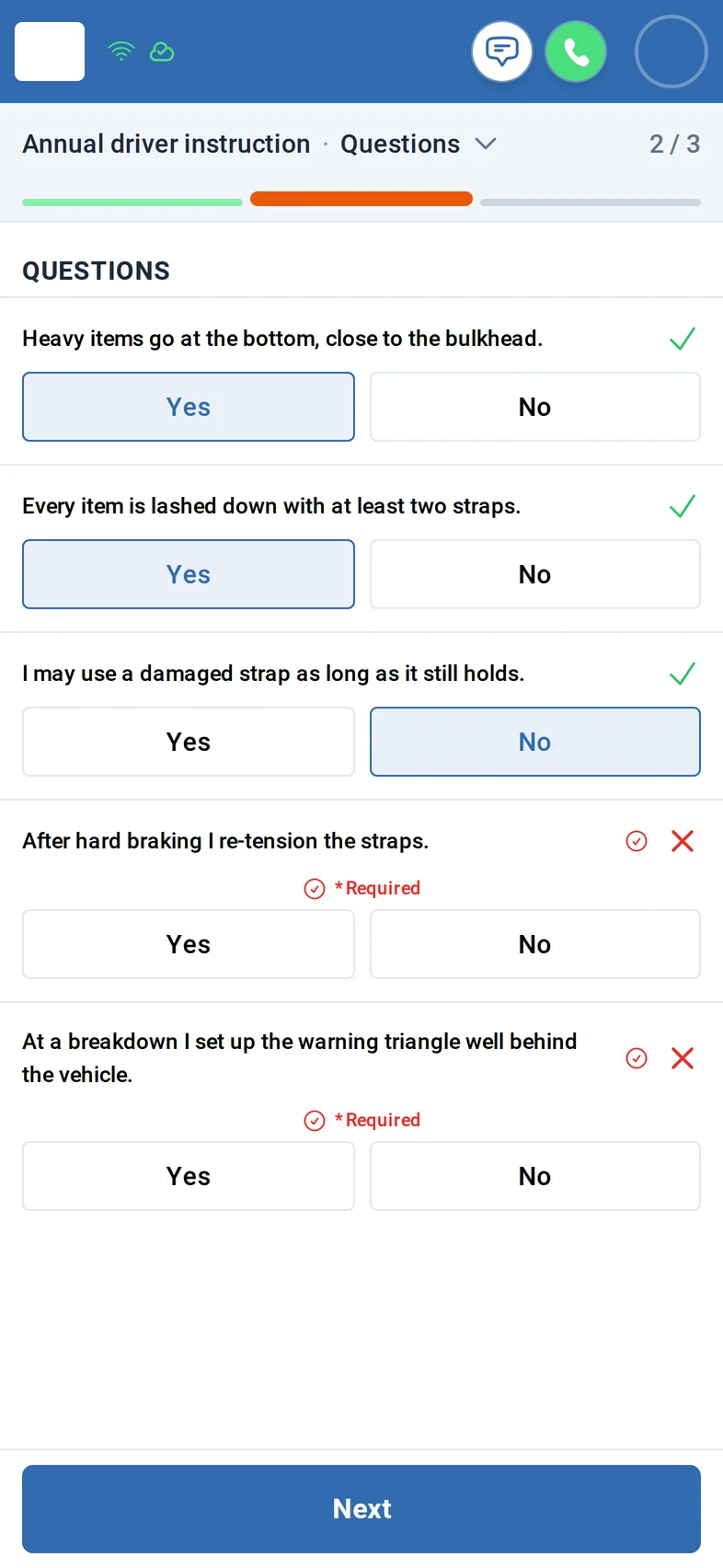
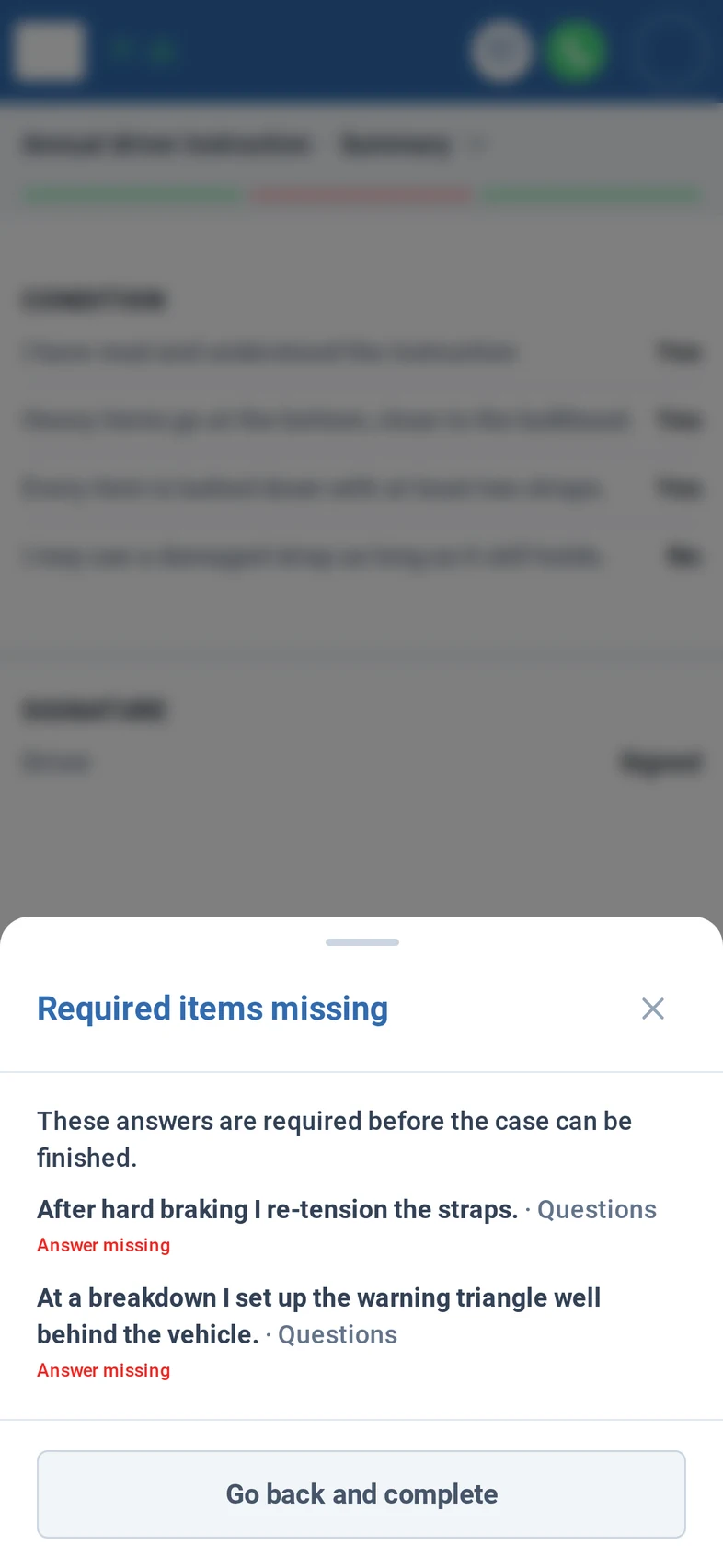
Step 2: Your control questions follow, yes or no, all required. The app stores the answers; it does not grade them.
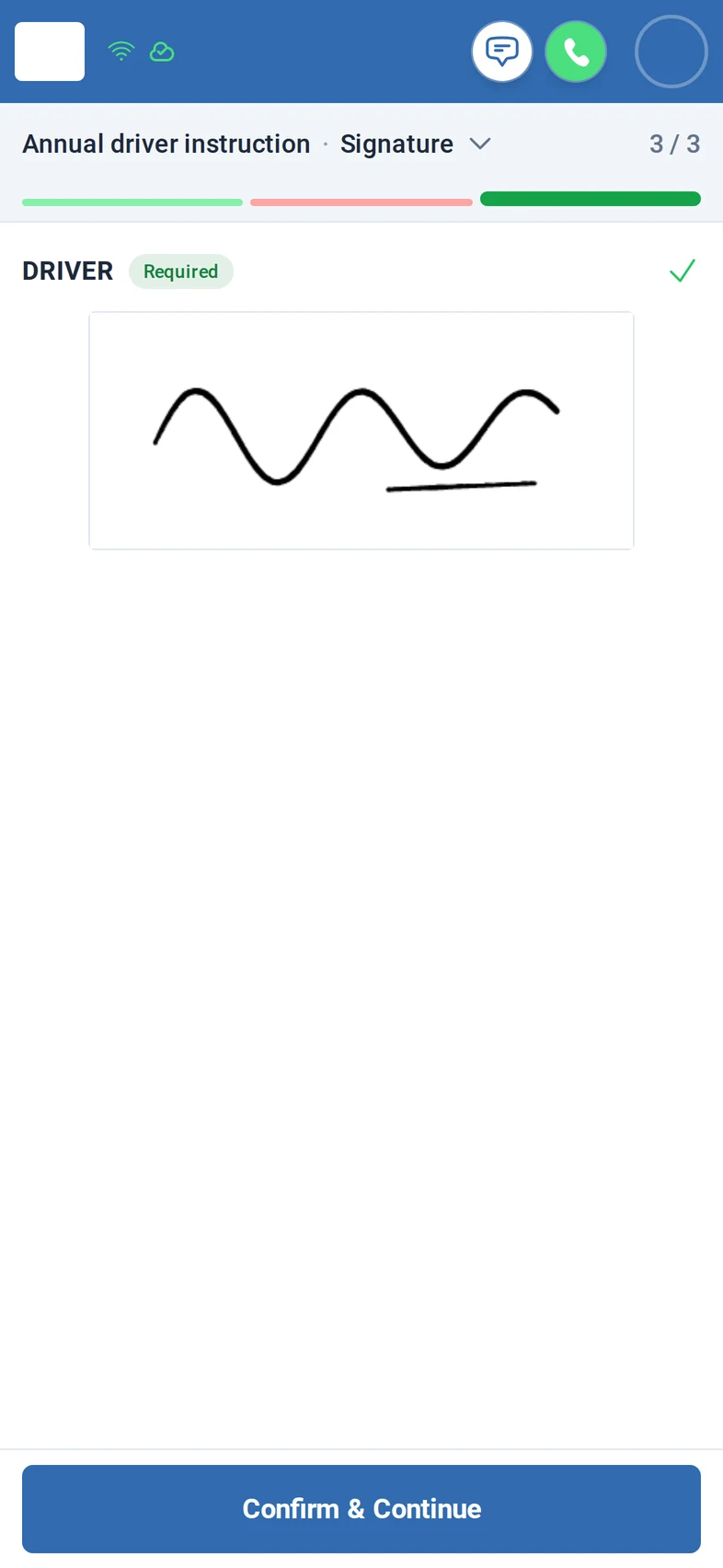
Step 3: The driver signs with a finger in the signature field.
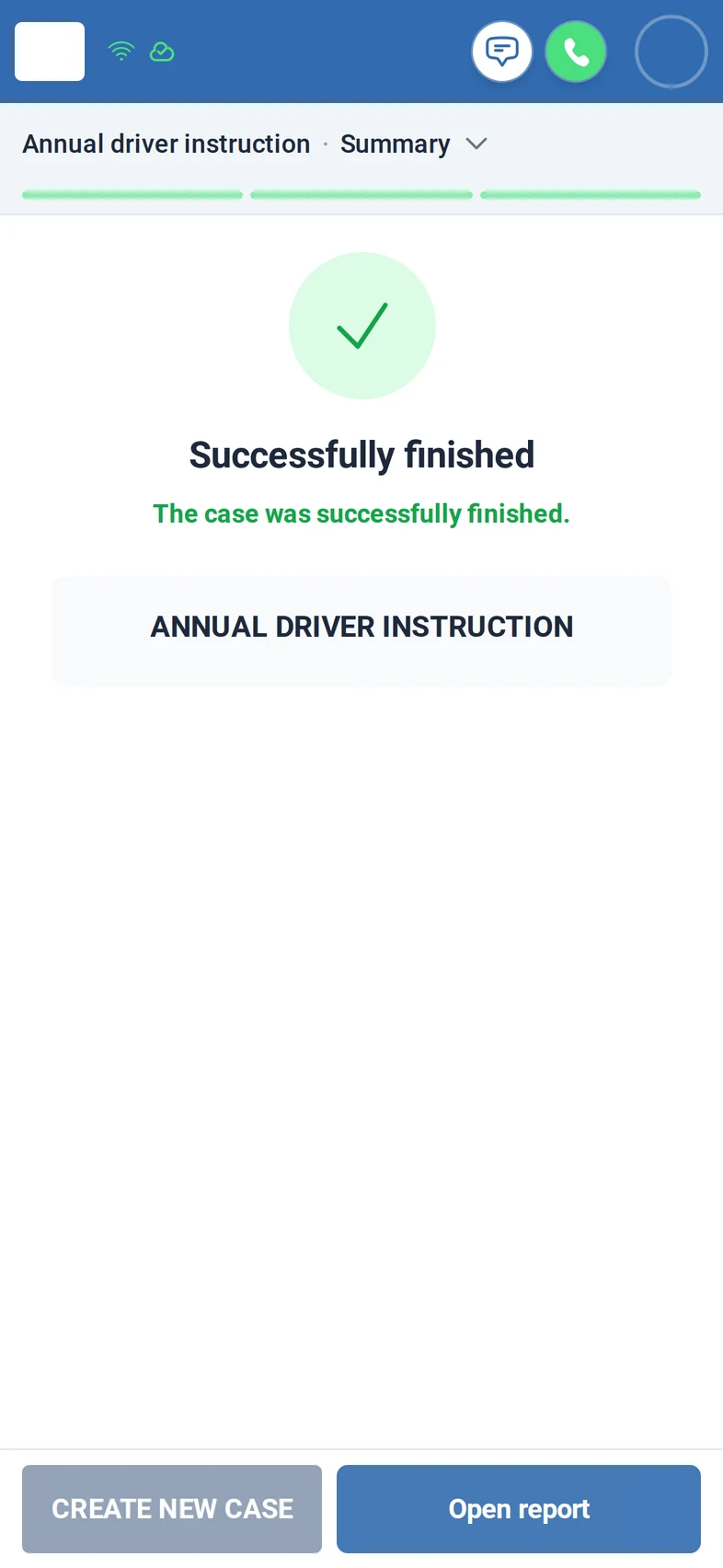
Step 4: If an answer is missing, the app lists it and will not finish; there is no finishing anyway. Answered and signed, the case is finished.
Step 5: Fleet Expert shows the completed instruction with driver, answers, signature and the date and time of each status.
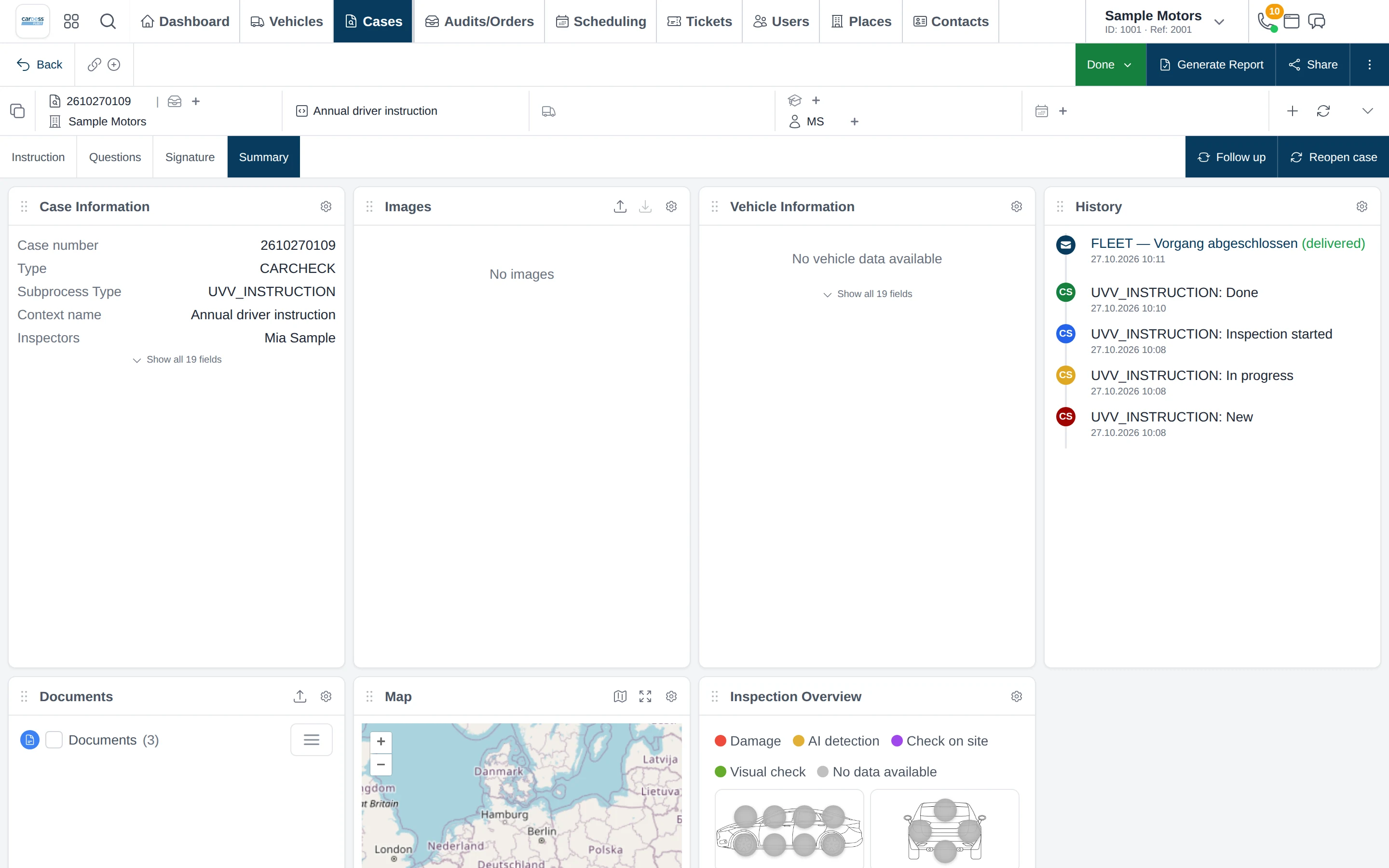
Screens from the M:FLEET app (test data)
What you need
- Your instruction content and control questions; we set them up with you.
- A smartphone and sign-in per driver; Fleet Expert for the office.
- Yearly reminders or connecting your e-learning provider: on request.
Share
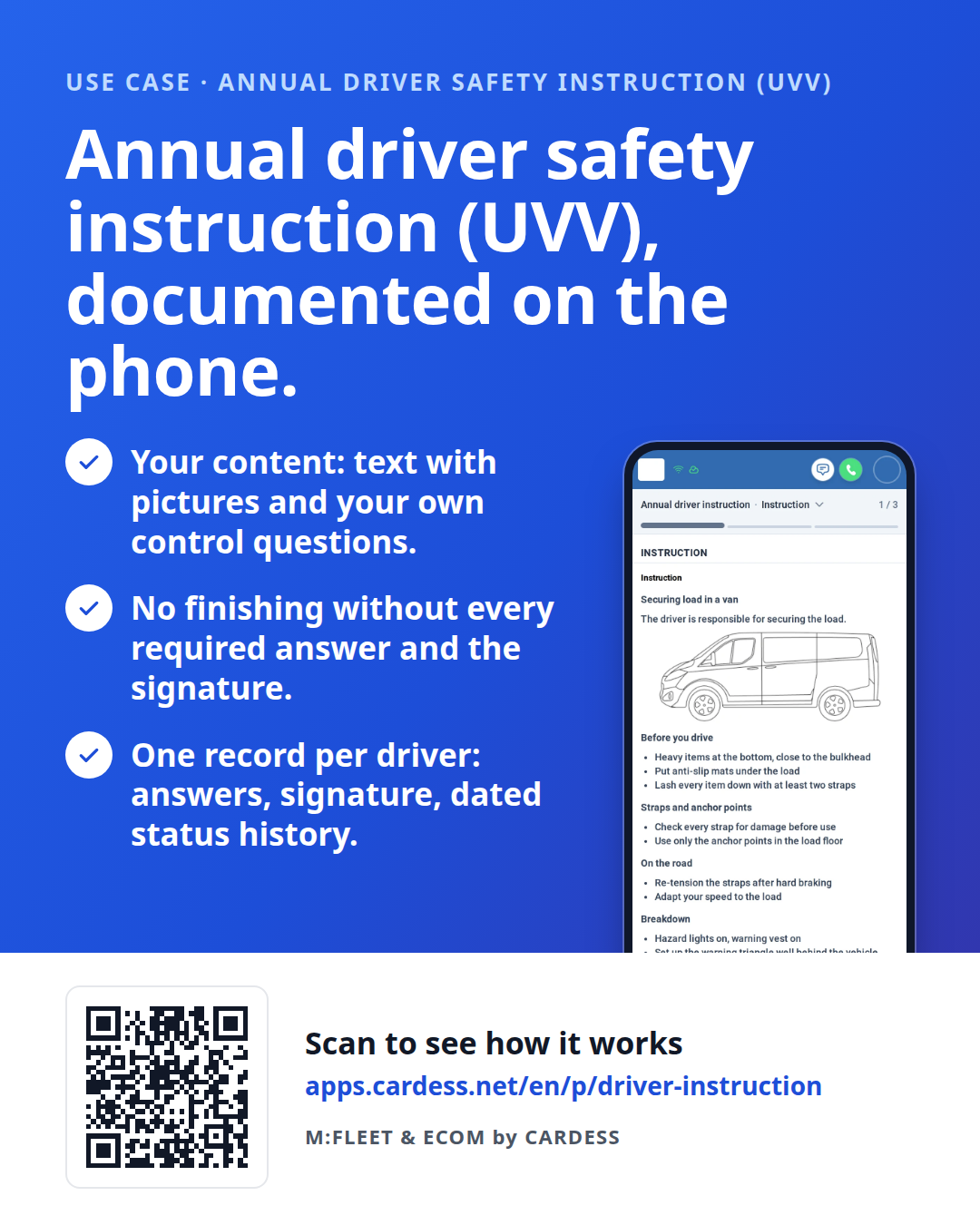
Pass the flyer on to your team or print it for the counter.