
Use case · Delivery quality check
Quality check of every delivered vehicle, on the phone.
The inspector photographs the vehicle, goes through your acceptance checklist and signs. Each check is one record per vehicle, ready for the office.
Talk to us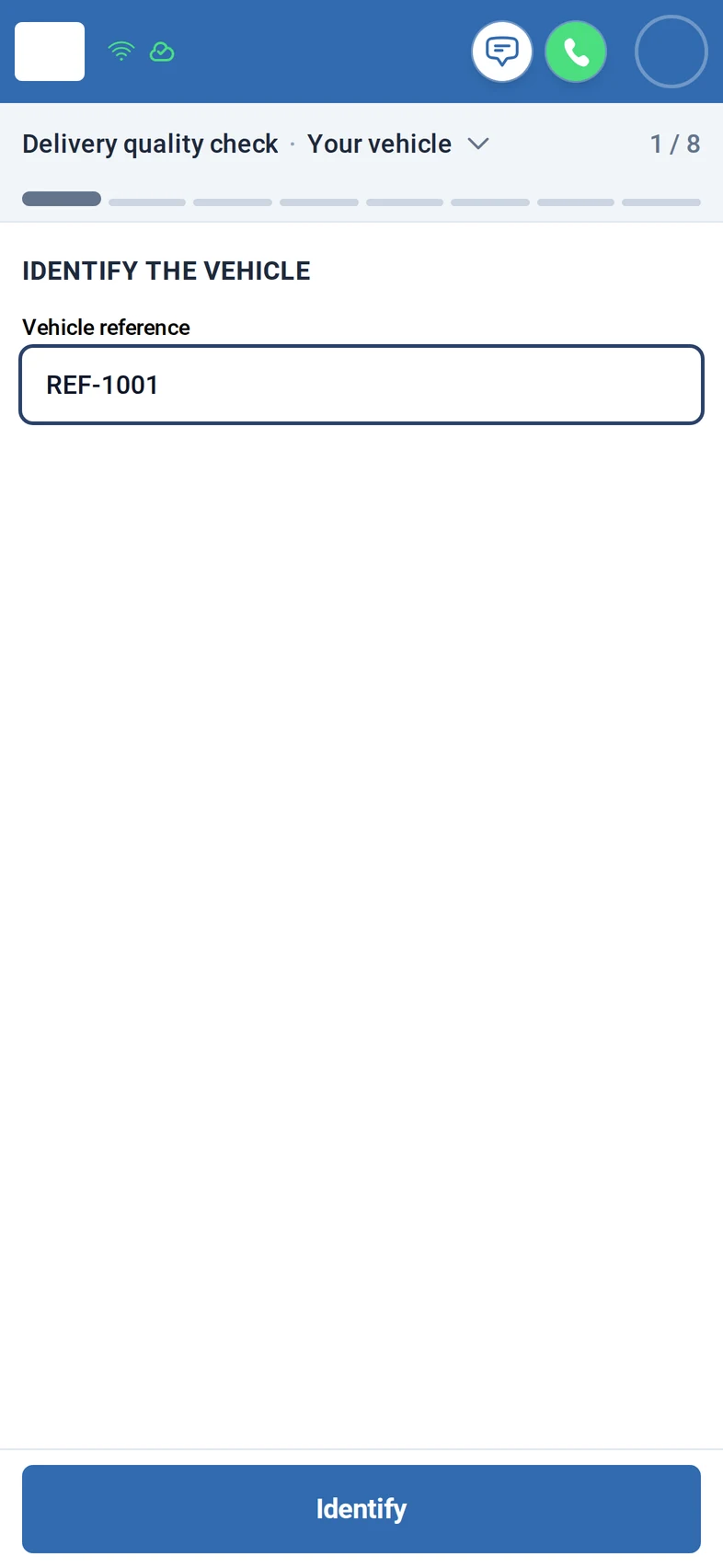
What you get
- Your own acceptance checklist, grouped by area, each item In order or Not in order.
- Required photos with the live camera, from every side, plus the type plate.
- The inspector signs on the phone; one signed record per vehicle.
How it works
Step 1: The inspector opens the check and identifies the vehicle by its reference.
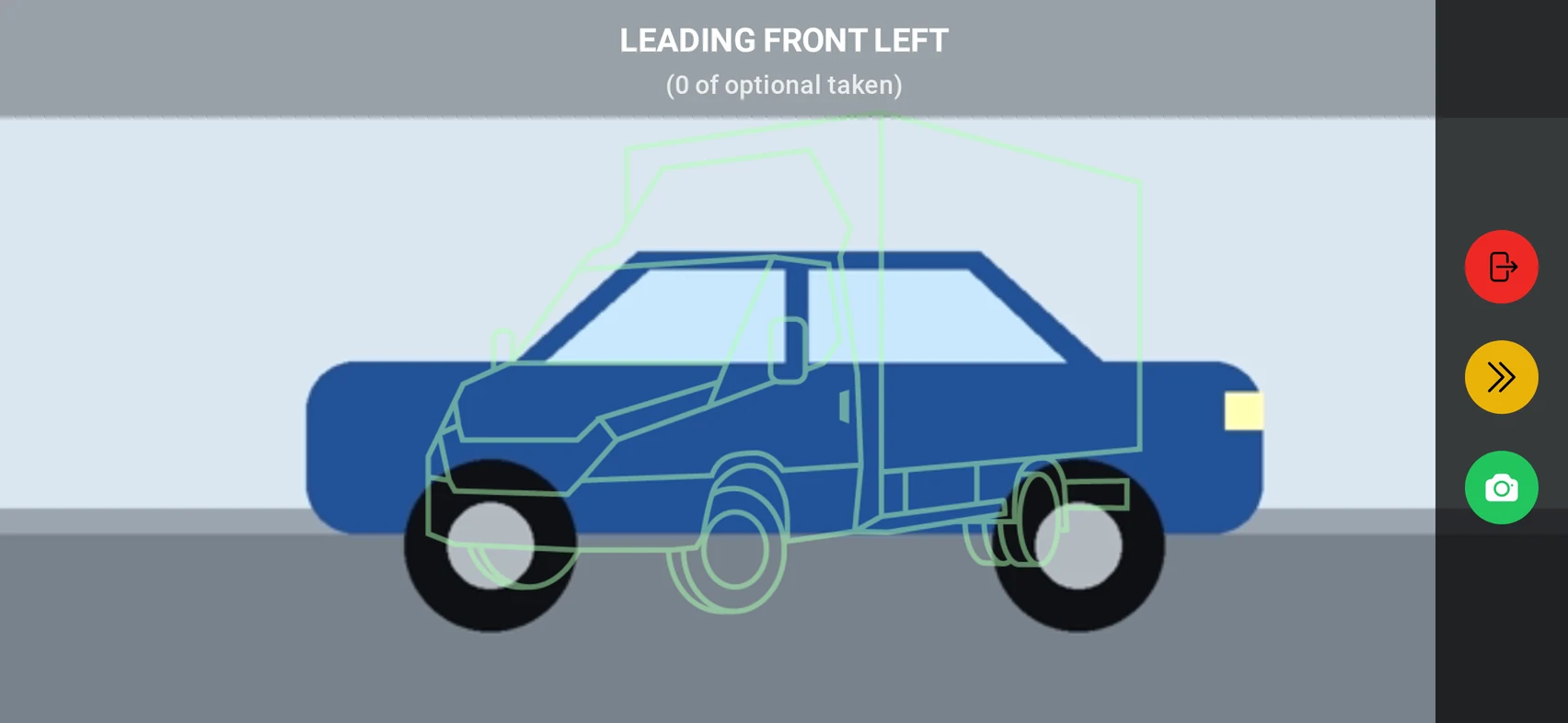
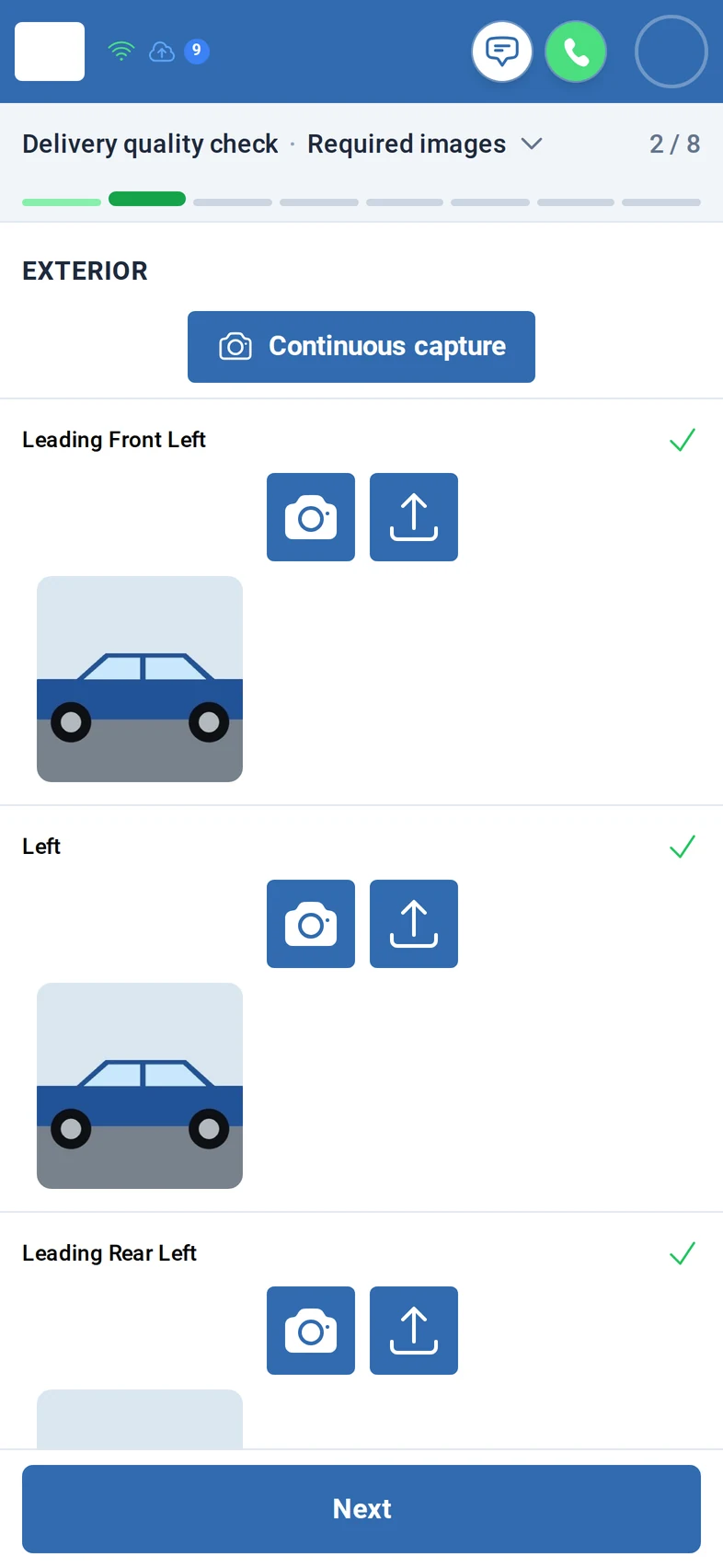
Step 2: Required photos follow, exterior from all sides, the instrument cluster and the type plate, with the live camera in landscape.
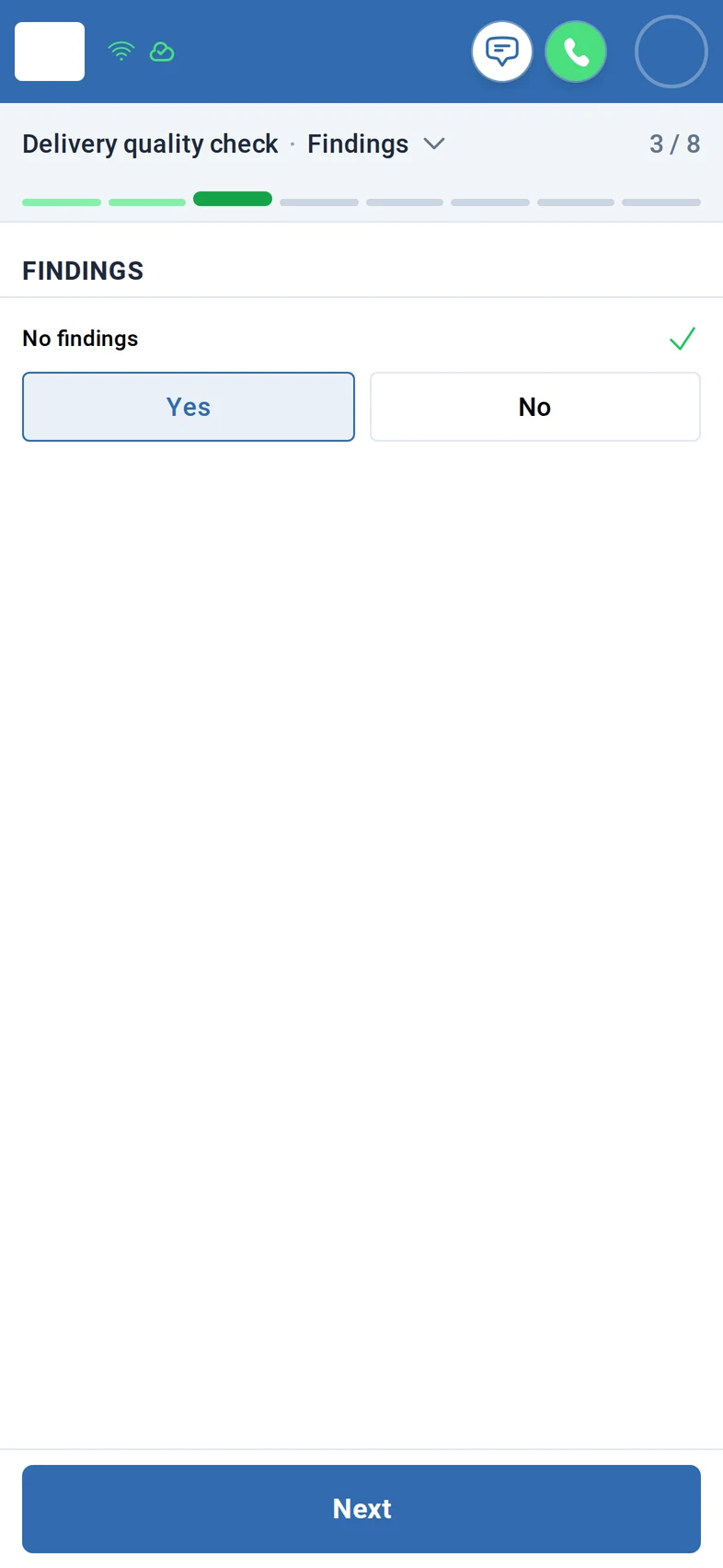
Step 3: They record whether there are findings, yes or no.
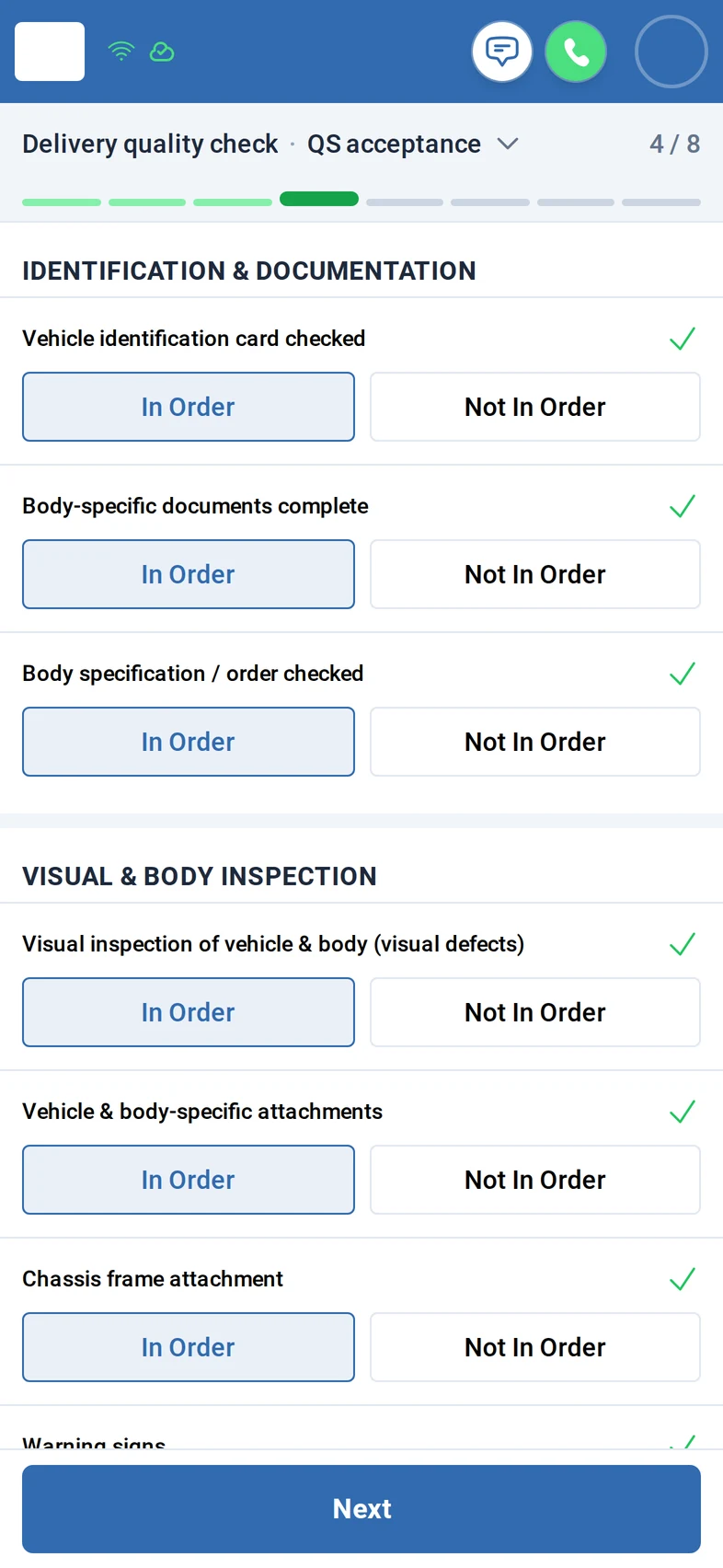
Step 4: The acceptance checklist is next: each item is In order or Not in order.
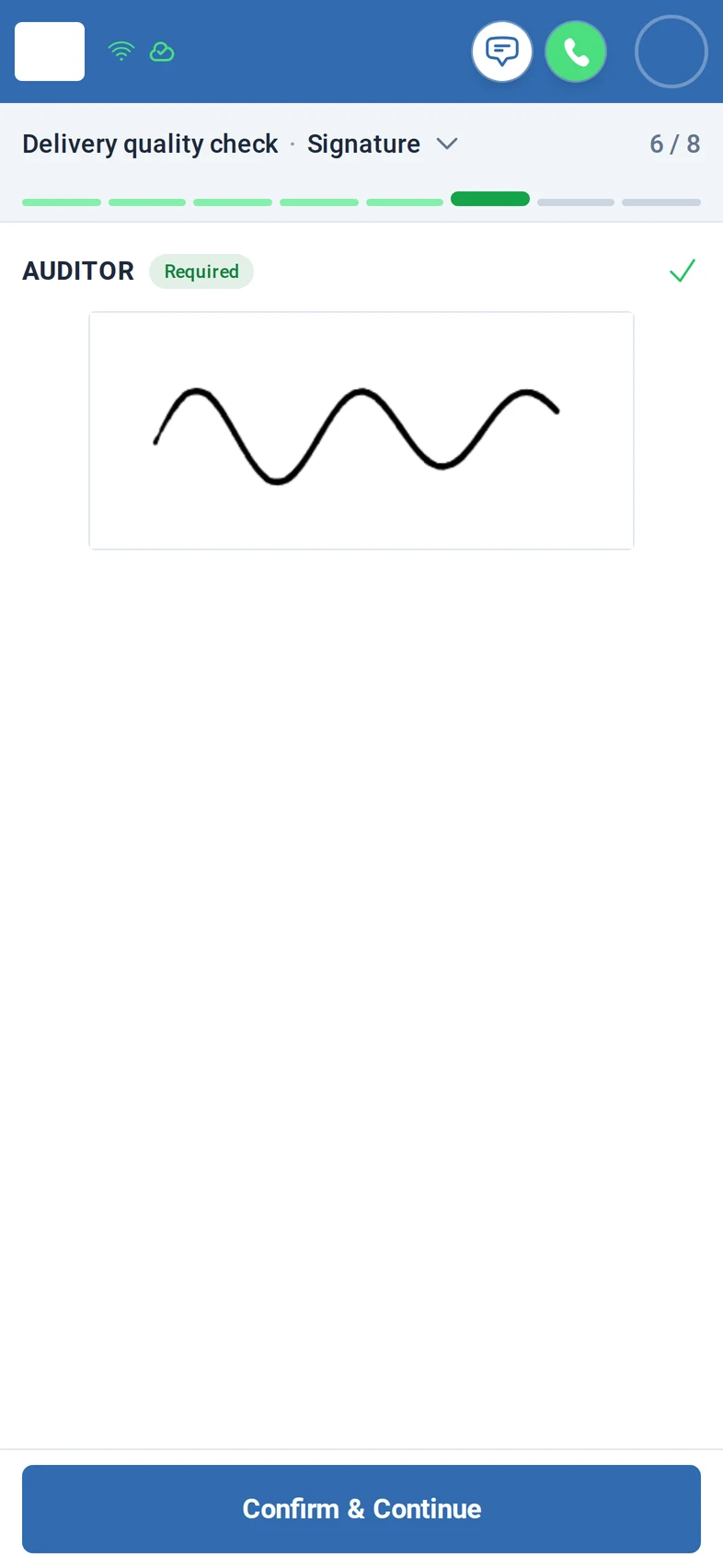
Step 5: After a comment, the inspector signs with a finger. The signature is required.
Step 6: Recipients can be notified by e-mail, and a follow-up case can be started. Then the check is finished.
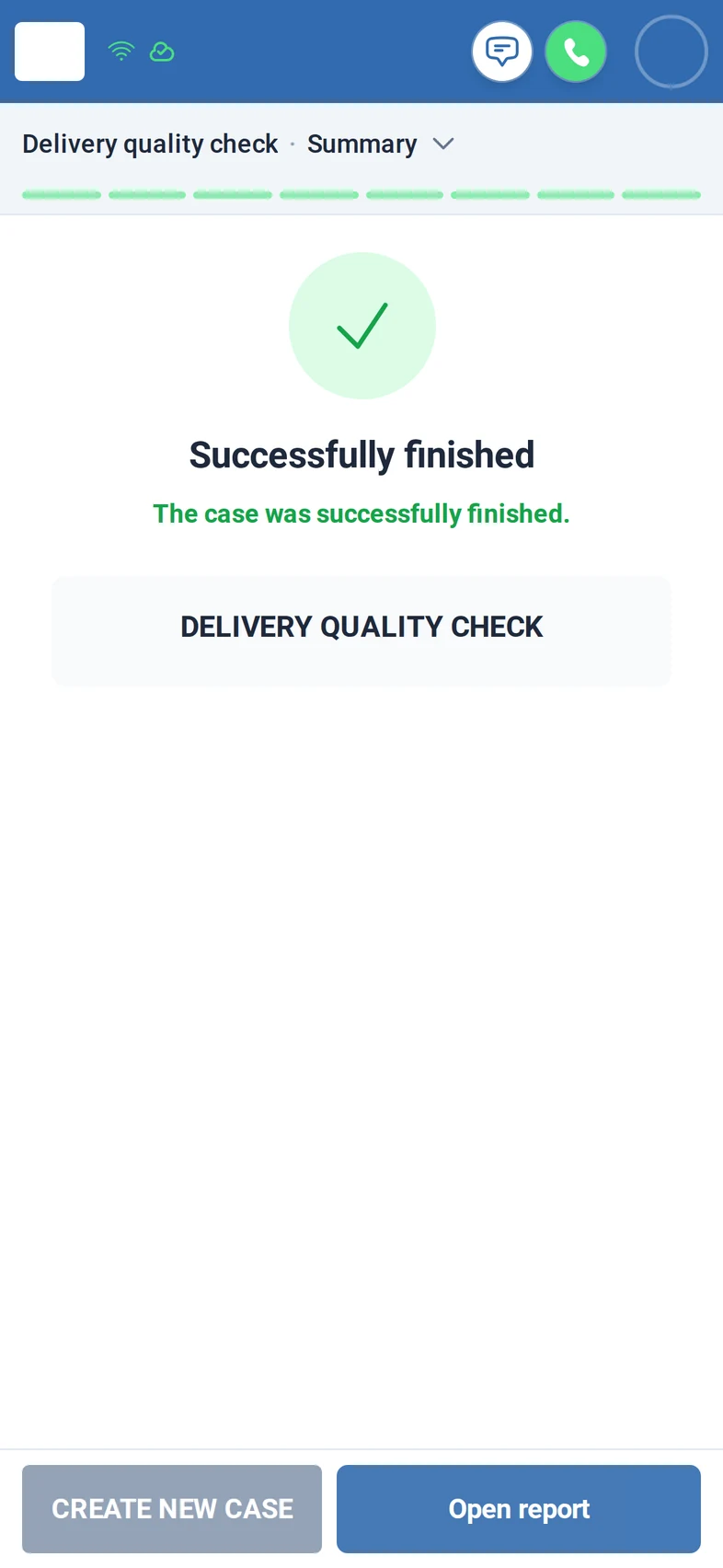
Screens from the M:FLEET app (test data)
What you need
- Your acceptance checklist and photo positions; we set them up with you.
- A phone with a browser and sign-in per inspector; Fleet Expert for the office.
- A report of the check or a link to the record: on request.
Share
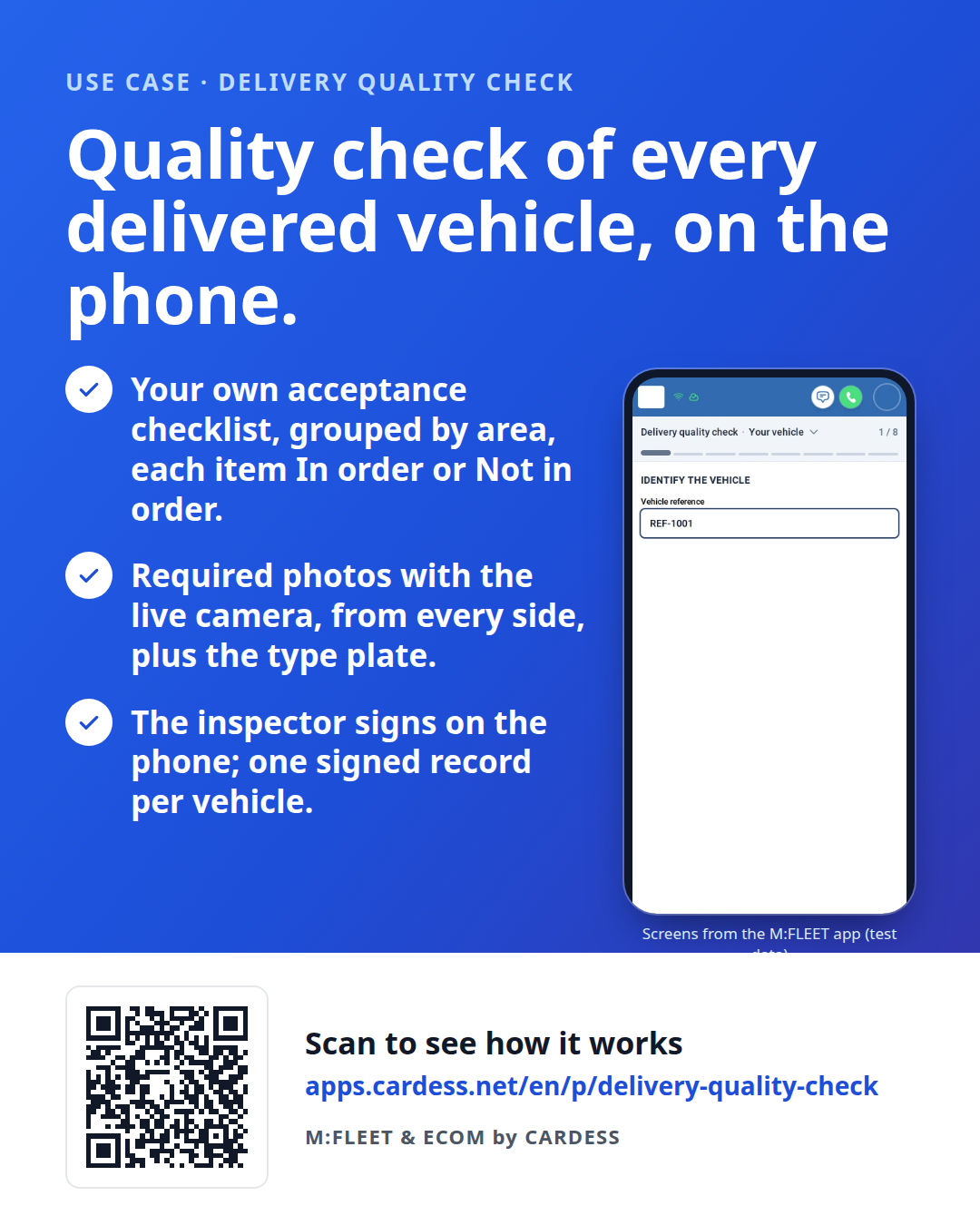
Pass the flyer on to your team or print it for the counter.